

What you will stream
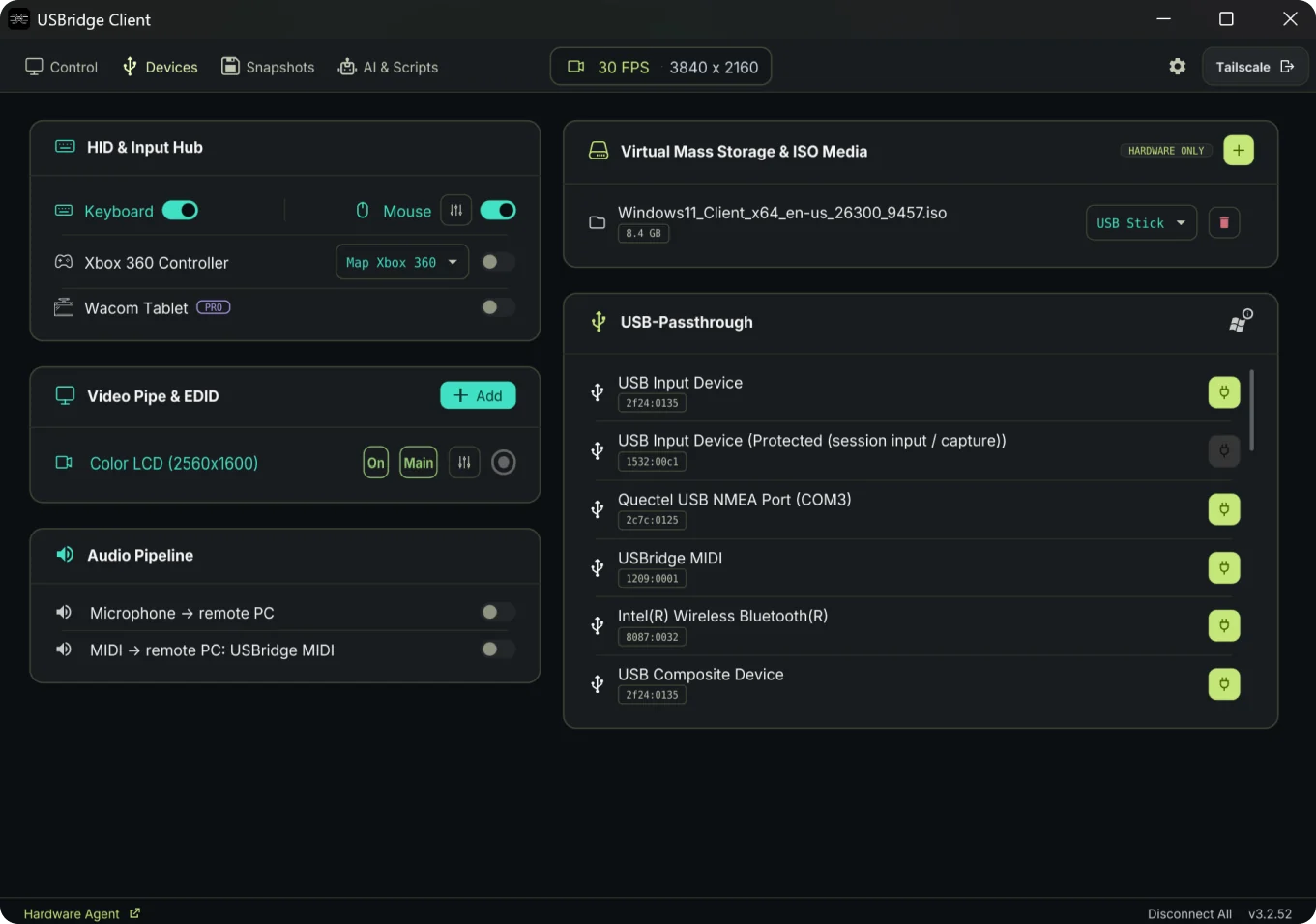
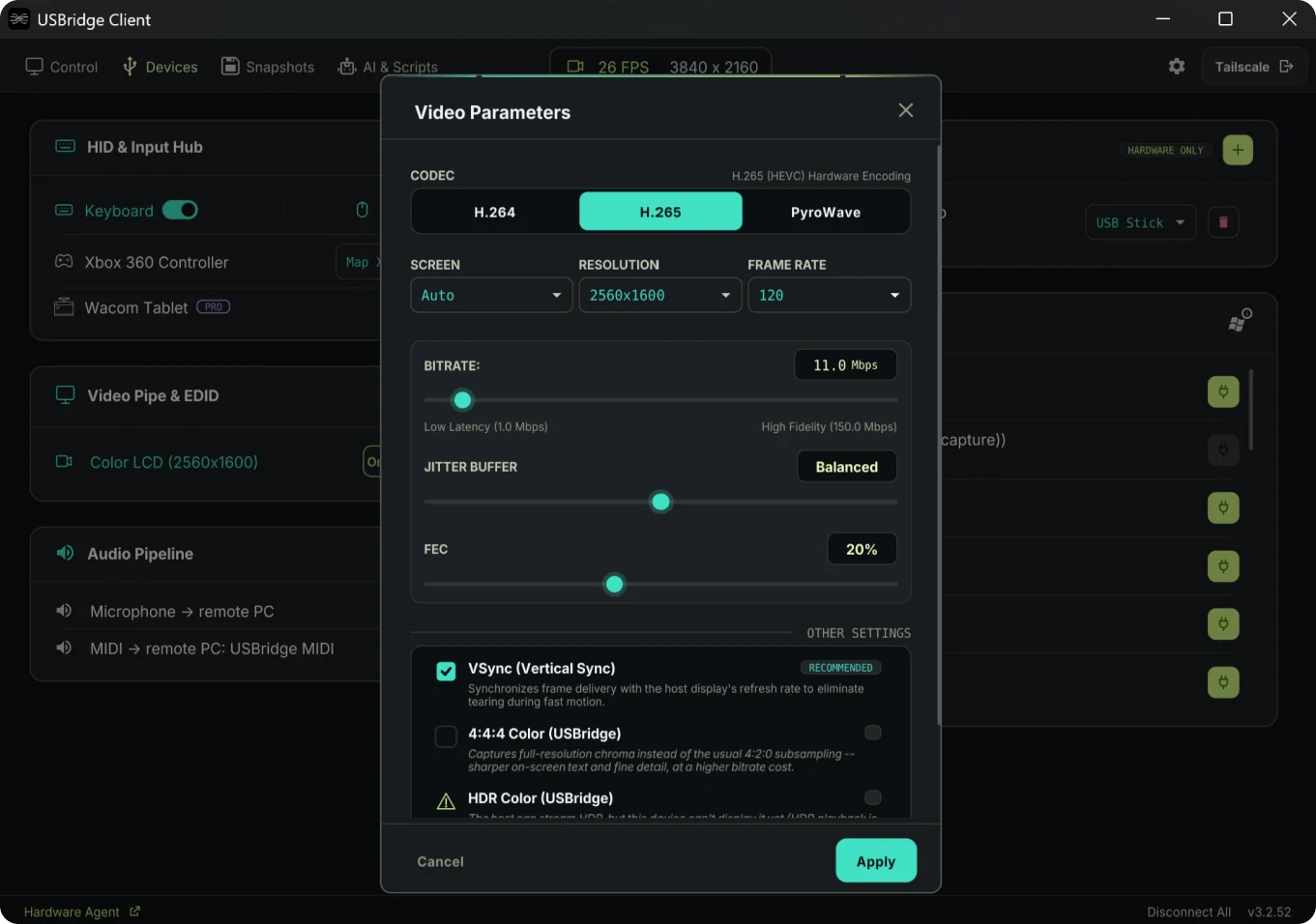
A spreadsheet and a 3D viewport or game need very different things. Check latency (~15 ms), up to 4K 120 FPS, 4:4:4 colour, phase sync and pen support, not just feature checkboxes.
Tired of TeamViewer pricing, "commercial use suspected" blocks or expired session codes? Compare top remote desktop tools for personal use, self-hosting, smooth 4:4:4 video, pen input and pre-OS BIOS access.
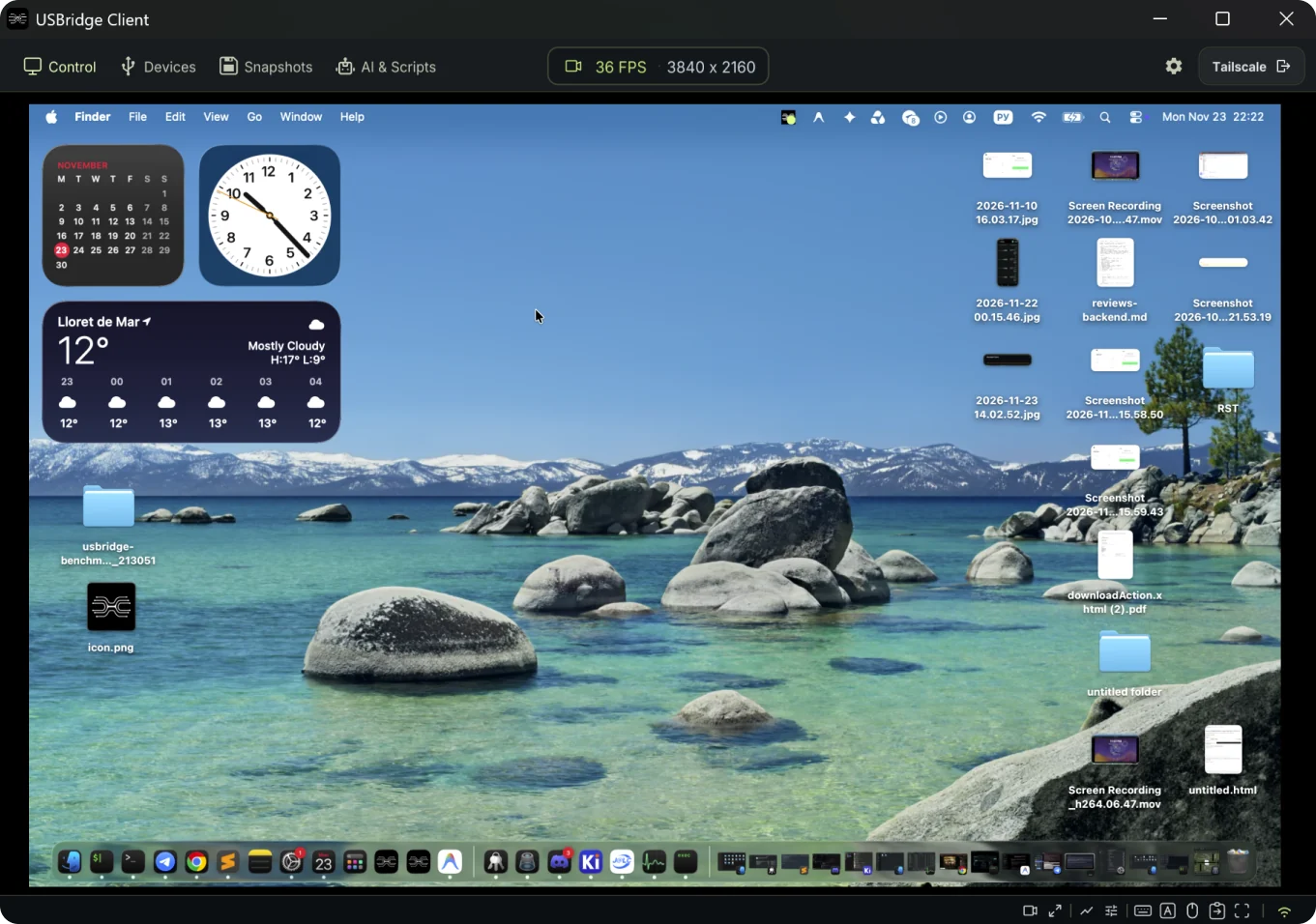
(Data reviewed November 2026)
Looking for remote access software without TeamViewer's licensing limits? Here is how the main TeamViewer alternatives compare on price, self-hosting, video quality and pre-OS access.
| Feature | USBridge | TeamViewer | AnyDesk | Splashtop | RustDesk | Chrome RD / RDP |
|---|---|---|---|---|---|---|
| Core features | ~15 ms latency at up to 4K 120 FPS, five selectable streaming engines (Sunshine, Apollo, Vibepollo, Punktfunk, USBridge), lossless 4:4:4 colour, any USB device and gamepads, virtual displays, clipboard sync, Linux, macOS and Windows hosts, role-based link sharing. | Remote control, file transfer, session recording, unattended access, RMM and support add-ons. | Remote control, unattended access, basic file transfer. | Remote access and support, multi-monitor, file transfer, business management. | Open-source remote control, self-hosted server option, end-to-end encryption, basic file transfer. | Free browser-based control (Chrome RD); native Windows remote desktop with multi-monitor (RDP). |
| Latency, 4:4:4 and pen | ~15 ms, up to 4K 120 FPS, 4:4:4 colour, pen pressure and tilt | Support-grade stream, no pen tilt | General desktop stream, no pen tilt | Support-grade stream, no pen tilt | General desktop stream, no pen tilt | Basic stream, no pen tilt |
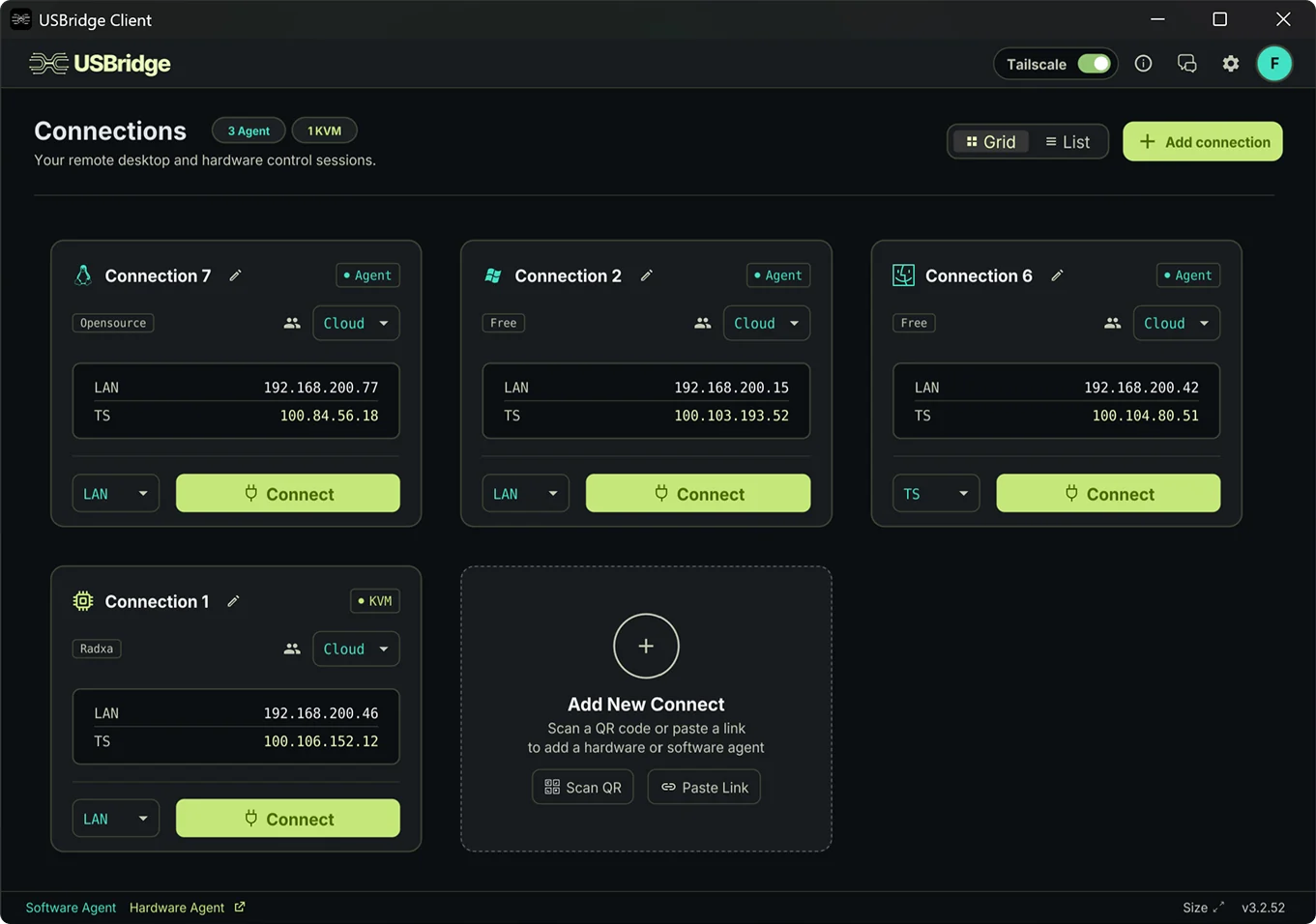
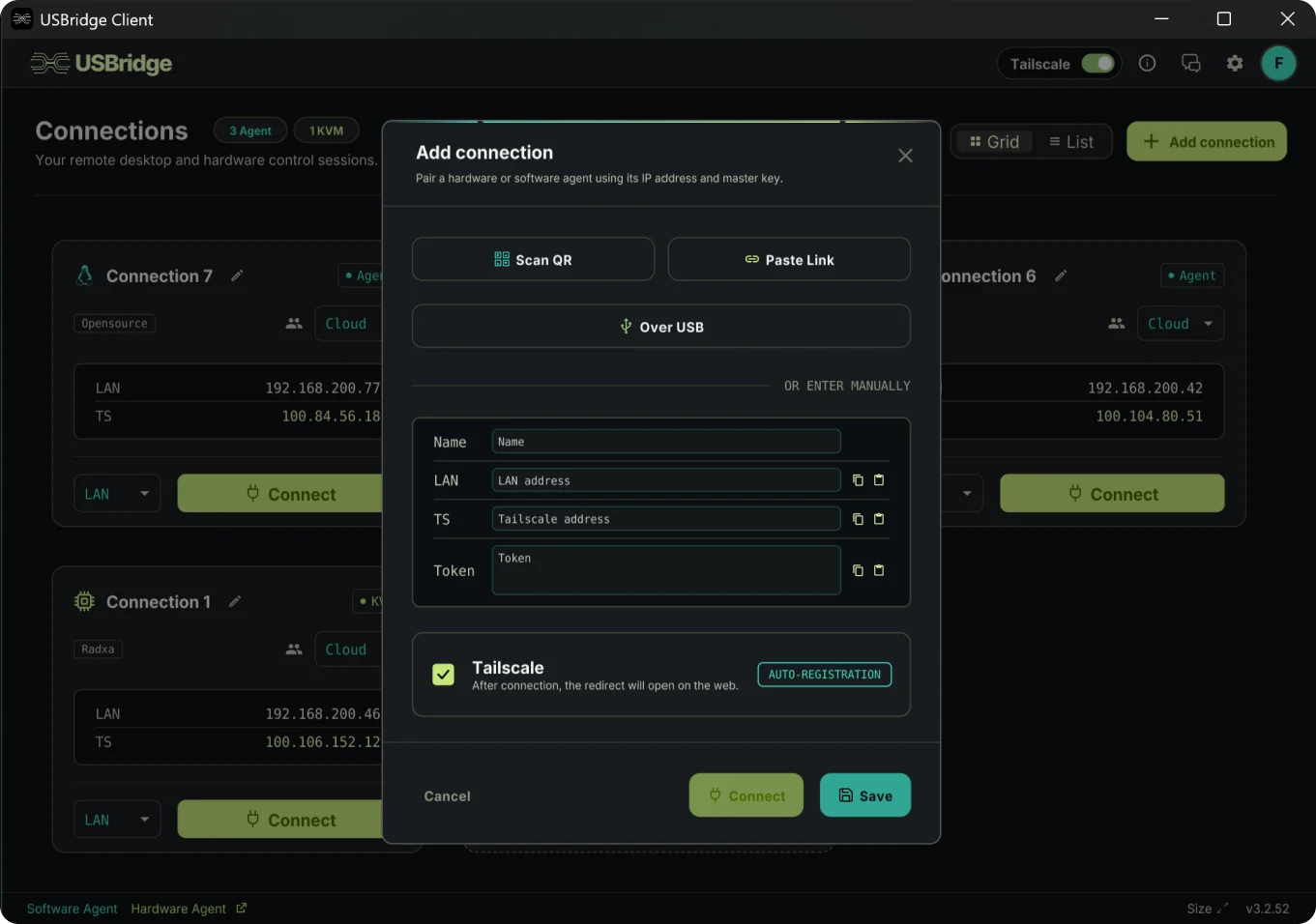
| Networking and access | Built-in Tailscale, Moonlight and browser clients, role-based access links | Vendor cloud relay (depends on TeamViewer server status and session codes) | Vendor cloud relay | Vendor cloud relay | Your own relay server or public one | Google relay (Chrome RD); VPN or port setup (RDP) |
| USB and virtual displays | Any USB device, gamepads, virtual displays, clipboard sync | Keyboard, mouse, clipboard, file transfer | Keyboard, mouse, clipboard, file transfer | Keyboard, mouse, clipboard, file transfer | Keyboard, mouse, clipboard, file transfer | Keyboard, mouse, clipboard; drive and printer redirection (RDP) |
| Ecosystem and BIOS access | Unified with Hardware KVM: BIOS and power control | No (OS only) | No (OS only) | No (OS only) | No (OS only) | No (OS only) |
| Pricing and free tier | Free plan, Pro $8/mo (graphics tablets only) | Free for strict personal use (commercial detection can block sessions), costly per-seat licences | Personal free, paid for work | Paid plans | Free, paid Pro plans | Free (RDP needs Windows Pro) |
Based on each vendor's public documentation. Plans change, so confirm on the vendor site before you buy.
Real strengths, real limits and the scenario where each tool is the right pick.
What it does well~15 ms latency at up to 4K 120 FPS, five selectable engines (Sunshine, Apollo, Vibepollo, Punktfunk, USBridge), frame phase sync, lossless 4:4:4 colour, pen pressure and tilt, any USB device and gamepads, virtual displays without a monitor, Windows, macOS and Linux hosts, built-in Tailscale for direct peer-to-peer access without vendor relays, Moonlight-compatible and browser clients, and role-based access links.
Real limitsAimed at one person or a small team reaching their own machines, not at a help desk with thousands of endpoints.
Best whenYou work with video, 3D, design or games remotely and care about smoothness and colour.
What it does wellSmall client, quick to start, simple setup for general remote control.
Real limitsLike TeamViewer, business plans are paid and commercial use can trigger blocks on free tiers. It also lacks 4:4:4 colour and pen tilt.
Best whenYou want a simple tool for light sessions.
What it does wellRemote access and support with a business focus, multi-monitor, file transfer and a lower price than TeamViewer for many teams.
Real limitsPaid for most uses, and a support product first.
Best whenA team needs managed remote support and wants to spend less.
What it does wellOpen code, your own relay server, a web client and a free tier.
Real limitsYou run and update the server yourself, and it is tuned for general desktop use rather than motion or colour.
Best whenYou must keep everything on your own infrastructure.
What it does wellFree, works in a browser, set up in minutes with a Google account.
Real limitsFew controls, no pro features, and picture quality is basic.
Best whenYou help a relative or reach your own PC now and then.
What it does wellAlready in Windows Pro, good for admin work on a company network.
Real limitsWindows-centric, needs a VPN or port setup from outside, and it takes the local session over.
Best whenEverything is Windows and sits inside one network.
What it does wellBIOS access, power control and hard reset from the same interface as the Software Agent, plus OS reinstall from virtual media. Works when the OS is frozen or the machine will not boot.
Real limitsA physical device that you connect to the machine, so it needs hardware on site and a setup step.
Best whenThe target must stay reachable even when the OS fails, or you need the BIOS. Pair it with any software tool above.
Choosing a remote access tool gets easier when you check four practical things before committing.
A spreadsheet and a 3D viewport or game need very different things. Check latency (~15 ms), up to 4K 120 FPS, 4:4:4 colour, phase sync and pen support, not just feature checkboxes.
Avoid vendor cloud outages and session code limits. Compare tools with built-in Tailscale peer-to-peer networking, zero-install browser access or a self-hosted relay, and check role-based links if a team needs access.
Software tools depend on a running OS. If a machine freezes, will not boot or needs BIOS and power control, only a Hardware KVM gives pre-OS access.
Look past entry prices and free tiers. Factor in device or seat scaling, commercial restrictions and whether the tool fits your day-to-day workload.
A streaming-first tool rather than a support-first one. USBridge gives ~15 ms latency at up to 4K 120 FPS, lossless 4:4:4 colour, pen pressure and tilt, and five selectable streaming engines (Sunshine, Apollo, Vibepollo, Punktfunk and USBridge), so you can benchmark them on your own network.
RustDesk is the usual choice if you want open code and your own relay server, at the cost of running and updating that server yourself. USBridge bundles open-source engines (Sunshine, Apollo, Vibepollo, Punktfunk) and can connect peer to peer over Tailscale without a vendor relay.
TeamViewer's free licence is strictly for non-commercial personal use, so regular connections or work networks can be flagged as commercial and sessions restricted until you buy a licence, and paid plans scale with seats and devices. USBridge allows commercial work even on its free plan (Pro is $8/mo for graphics tablets), RustDesk is free if you self-host, and Chrome Remote Desktop is free with basic features.
No. Every software tool needs a running operating system. For BIOS access, power control and a hard reset you need a hardware layer such as USBridge Hardware KVM, which works from the same interface as the Software Agent.
Yes. USBridge has a browser client that needs no install, built-in Tailscale for direct connections, and scoped access links with role presets, so you can give someone limited access without sharing a password.
Start free with the Software Agent. If you ever need access before the OS boots, add Hardware KVM for BIOS and power control.