Paint, sculpt, and grade with HDR and 4:4:4, plus full stylus pressure and tilt.Zero visual compromise and local-like response on your workstation, from anywhere.
USBridge Remote DesktopUltra-Low Latency
Experience 120 FPS zero-lag streaming, out-of-band KVM control, and raw USB passthrough in one unified ecosystem.
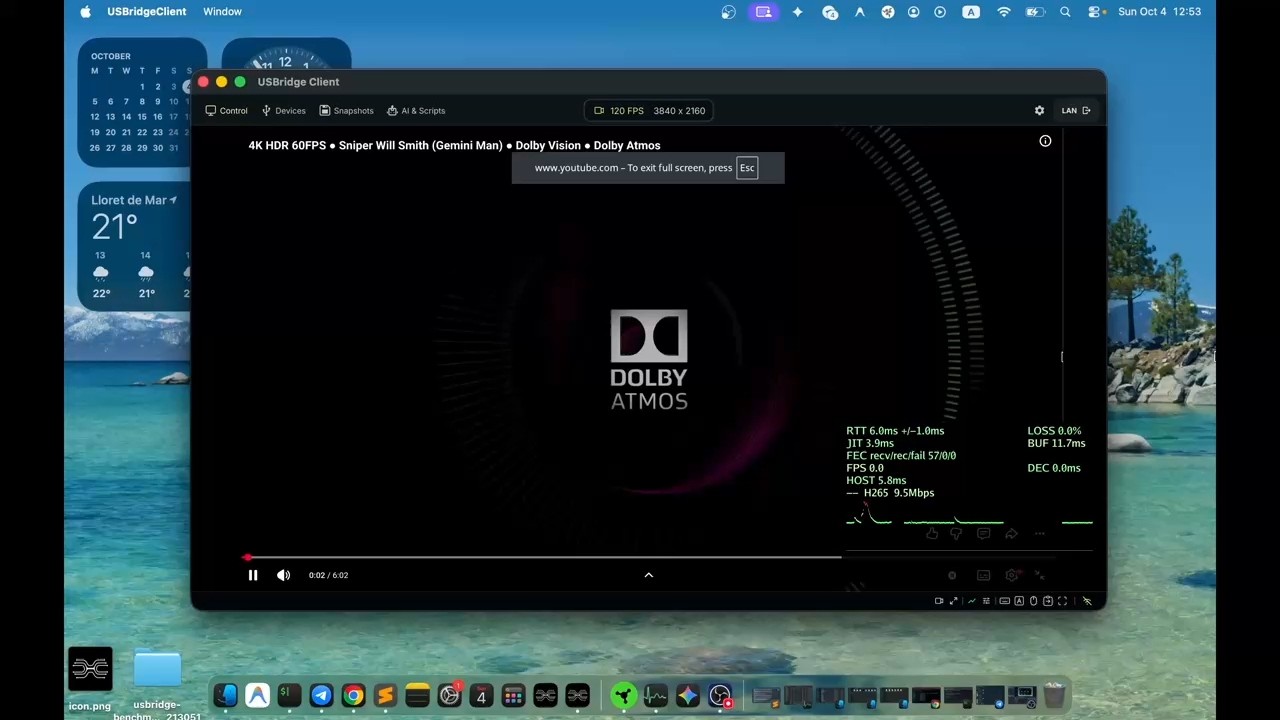
Hardware-accelerated H.264 H.265 AV1 with sub-15 ms response.120 FPS 4K clarity and zero-lag interaction, stable on Ethernet and Wi-Fi.
Total hardware control, from zero-latency standard inputs on Free to Raw USB on Pro.Keyboard, mouse, audio, and gamepad out of the box. Pro passes security keys, drives, and controllers straight to the host.
Control the remote machine with AI agents. AI Vision turns the live desktop into structured context.An LLM acts on that context: mouse, keyboard, and OS commands through MCP.
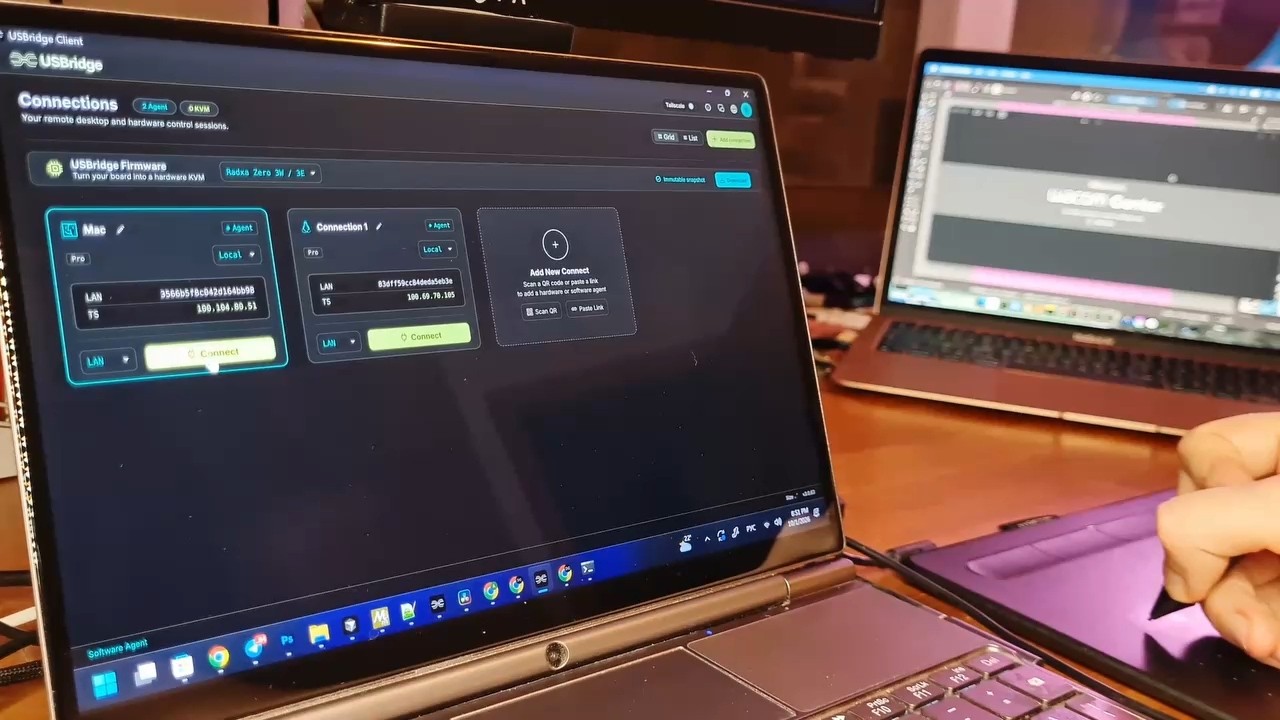
Connect from any device: native apps or a web browser.Windows macOS Linux iOS Android and the browser.
Bare-metal control below the OS: BIOS, crash recovery, and headless machines.Instant sub-frame response, even when there is no operating system to boot.
Software-defined monitors and multi-screen workspaces. No HDMI dummy plug.A custom EDID so a headless machine still boots into your screen.
Compare protocols in one click, on your real network.Resolution, frame time, and which engine is smoothest on the link you actually use.
Encrypted P2P with automatic NAT traversal. No port forwarding.Reach the machines from anywhere. Nothing is opened to the public internet.
Hardware-accelerated H.264 H.265 AV1 with sub-15 ms input response.Engineered for 120 FPS 4K clarity and zero-lag interaction, stable on Ethernet and Wi-Fi.
Key technical features
- Direct GPU hardware encoding.Eliminates processing overhead by interfacing directly with native capture and encoding APIs (NVENC VAAPI QSV VideoToolbox).
- Native client rendering.Frames go straight through low-level graphics layers — Metal on macOS, Vulkan on Linux, and MediaCodec on Android — bypassing display compositor lag.
- Sub-15 ms latency at 120 FPS 4K.Instant input response for high-speed gaming, precise stylus work, and 3D camera navigation.
- Wi-Fi jitter protection (AWDL Toggle).Disables AWDL (Apple Wireless Direct Link) on macOS during a session, so background AirDrop scans stop spiking ping.
Zero-overhead pipeline
By combining direct hardware GPU capture on the host with native graphics frameworks on the client, every frame passes through an ultra-short path. The protocol adapts bitrate and frame pacing to keep latency low, even on crowded 5GHz and Wi-Fi 6 networks.
Total hardware control, from zero-latency standard inputs on Free to low-level Raw USB on Pro.Keyboard, mouse, audio, and gamepad out of the box. Pro passes almost any USB device straight to the host.
Tier overview
- Free Tier Standard Inputs.Low-latency keyboard, mouse, audio streaming, and standard gamepad support out of the box.
- Pro Tier Raw USB Redirection.Pass through virtually any USB hardware — security keys, external drives, specialized controllers — directly to the host OS.
Key technical capabilities
- Signed USB-IP Driver Native Windows host.Digitally signed kernel driver for maximum system stability.
- Raw vs Emulation Two ways to hand off a device.Raw USB passes the device as-is, keeping native features like DualSense. Xbox 360 Emulation covers games that only speak that controller.
- ESP32 Dongle Available now.A flashed ESP32-C3 Zero for driverless, plug-and-play USB passthrough on restricted machines.
- Seamless Sync Clipboard and audio.Bi-directional clipboard for text and files, plus a low-latency audio pipe.
Zero-lag peripheral pipeline
Whether you are using standard HID input or redirecting complex USB hardware, packets are delivered with direct kernel-level priority, so work and gaming still feel local.
Render, sculpt, paint, and grade on your workstation from anywhere, with HDR and 4:4:4 color.Zero visual compromise and local-like response, including full stylus pressure and tilt.
Features and tiers
- HDR · Free 10-bit HDR streaming.High-dynamic-range visuals with vivid contrast and a wide color gamut, right out of the box.
- 4:4:4 · Pro Pixel-perfect color.Lossless color accuracy, without the fuzzy text or edge smudging of standard 4:2:0 compression.
- Pen & Tilt · Pro Full stylus pipeline.Pressure and tilt for Wacom, Huion, XP-Pen, and other tablets.
macOS tablet solution
- The macOS challenge.No pure software path on macOS can cleanly pass a drawing tablet through with its native low-level driver.
- The hardware dongle.Plug in the EWP hardware dongle to get past that limit. It carries the tablet at hardware level, with full pressure and tilt, on a Mac.Mac Tablet Support
Built for digital artists and 3D creators
Sculpt in Blender, grade in DaVinci, or paint in Photoshop. The remote canvas keeps the color and the pen dynamics, in real time.
Software-defined monitors and multi-screen workspaces. No HDMI dummy plug.A headless machine still gets a display, and the host boots into the screen you set.
Key technical features
- Virtual Displays Screens without an adapter.Windows MttVDD, macOS CGVirtualDisplay, and Linux VKMS.
- EDID The profile you actually use.Resolution, aspect ratio, and refresh rate, so the host boots into that setup.
- Multi-Monitor Span or switch.Spread the session across local monitors, or move between remote screens inside the client.
- Headless The GPU still composites.A server with nothing on HDMI or DisplayPort keeps a display alive.
Total layout control
The workspace is not tied to a physical panel. Set the resolution on the host, then open that screen in the client.
Bare-metal control below the OS. BIOS, crashed systems, and headless machines, with sub-frame response.Full control stays available even when there is no operating system to boot.
Hardware deployment options
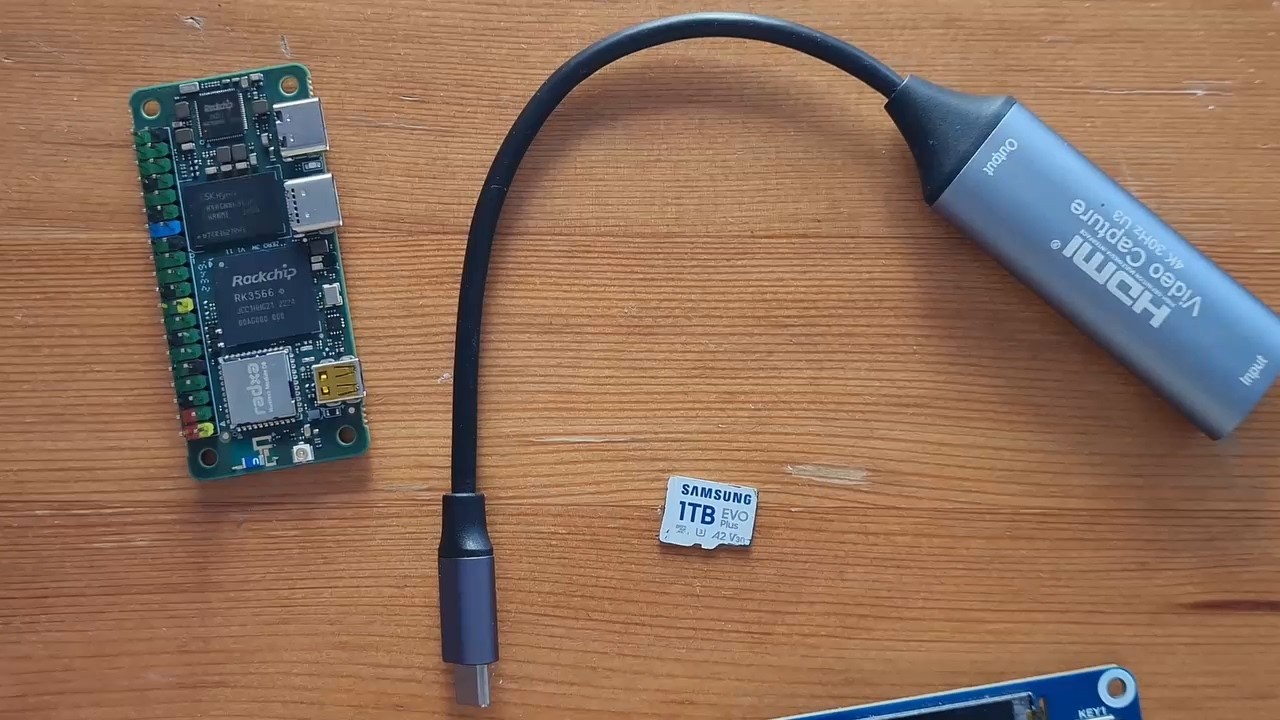
- USBridge KVM 2.0 Turnkey device.A ready appliance with an OLED status display, active cooling, dual-band Wi-Fi, and firmware already flashed.
- DIY KVM Open firmware.Custom firmware builds that turn a single-board computer into a full IP-KVM node.Download Firmware
Key capabilities
- BIOS Bare-metal access.BIOS and UEFI setup, boot menus, and kernel panics, independent of the host OS.
- Virtual ISO Remote install media.The node emulates a drive, so you can mount an ISO or IMG and flash or rescue a machine.
- OCR Console as text.Raw video becomes a light interactive text stream for SSH-style admin and POST error codes.
- MCP Scripts on the hardware.Model Context Protocol and Starlark scripts for BIOS setup and hardware diagnostics.
Secure out-of-band infrastructure
Connect over an encrypted Tailscale mesh, with no port forwarding. The hardware stays in reach even when there is no operating system to boot.
Connect from any device to any workstation, in a native app or a web browser.The full machine stays in reach from the client you already have open.
Platform availability
- Client The machine in front of you.Windows macOS Linux iOS Android and web browsers: Chrome, Safari, and Edge.
- Host The machine you reach.Windows macOS Linux. A background agent on any of those exposes the desktop for a session.
Key technical features
- Web No install.A modern browser is enough. That covers a locked-down work laptop, a Chromebook, or a guest machine.
- Wayland Capture without the prompt loop.Linux display capture and input run natively, without a screen-share confirmation on every session.
- Touch Tuned for phones and tablets.Gesture mapping, a virtual trackpad, and OS shortcut overlays for iOS and Android.
- Cross-OS Mix the machines.Drive a Windows rig from a MacBook, an iPad, or a browser tab.
One ecosystem, any device
Native desktop clients, mobile apps, and a browser tab share one interface, with low-latency rendering on each of them.
Compare protocols and engines in one click, on the network you actually use.The test runs inside the client, so the winner is the setup that fits your hardware.
Key technical features
- One-Click Engines, in sequence.The client runs the tests from its menu. No separate setup between engines.
- Load Your resolution and frame rate.1080p 1440p 4K, at the frame rate of the work you actually do.
- Telemetry The numbers behind a smooth picture.Startup latency, 1% low FPS, frame time at p50 p95 p99, stalls, and jitter.
- Your link Wi-Fi, mesh, or cellular.The result is which protocol wins on that network, not a lab figure.
Real metrics over marketing claims
The graphs are measured. Frame pacing shows which engine stays smooth, and that is the session you keep.
Peer-to-peer access with zero config. No ports on the public internet.The machines stay reachable from anywhere, and the path stays private.
Key technical features
- Built-in Tailscale is already in the platform.No separate VPN client, and no manual WireGuard® setup.
- NAT Firewalls and CGNAT, without a forwarded port.Strict firewalls, office networks, and carrier-grade NAT are crossed automatically.
- P2P Device to device, encrypted.The stream goes directly between the machines, with end-to-end WireGuard® encryption.
- Mesh Home, office, and phone on one network.Rigs, workstations, and mobile devices share one private mesh.
Zero-configuration remote access
Tailscale is built into the platform, so the connection is one click. Traffic stays encrypted end to end, and the router rules stay as they are.
Control the remote machine with AI agents. AI Vision turns the live desktop into structured context.An LLM can act on that context instead of guessing at pixels.
Key capabilities
- AI Vision Screen as data.Buttons, text fields, terminals, and layout are parsed in real time into structured data for a model.
- MCP A native protocol server.Claude, GPT, or a custom agent reaches the host mouse, keyboard, and OS commands directly.
- Agents UI workflows, not pixel matching.An agent navigates desktop apps, clicks targets, and finishes multi-step work without fragile screen coordinates.
- Out-of-band Scripts below the desktop.Diagnostics, BIOS error codes from a text stream, and recovery still run on a headless machine.
Next-gen intelligent control
From routine OS administration to visual workflows, AI Vision and MCP turn a remote desktop or a hardware KVM node into an environment an agent can control.