


Software AgentHigh-Performance Host Engine
Install on the machine you want to access. Pick the streaming engine in one tap: open-source Sunshine, Apollo, Vibepollo or Punktfunk, or the ultra-low latency proprietary USBridge Protocol.
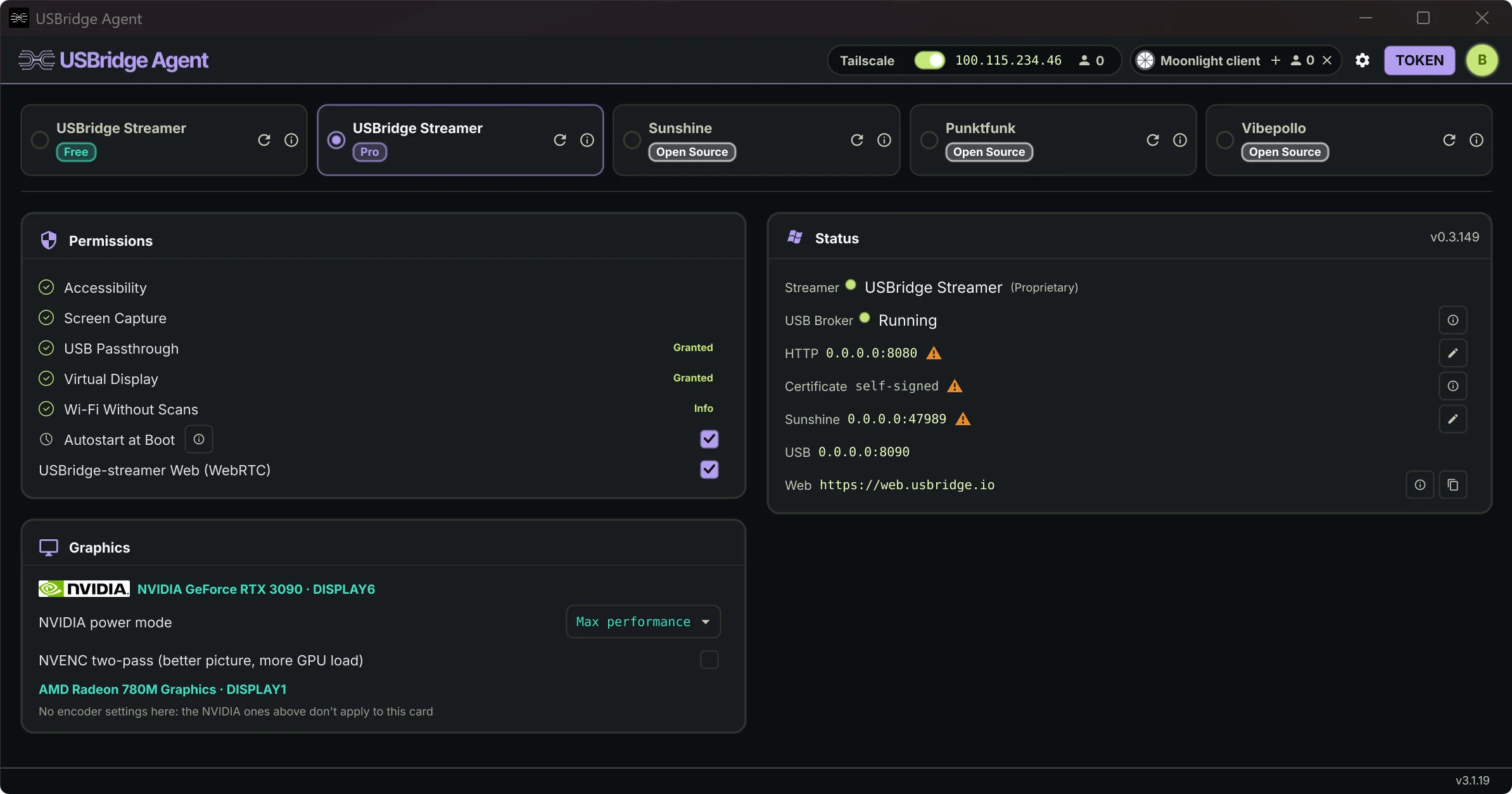
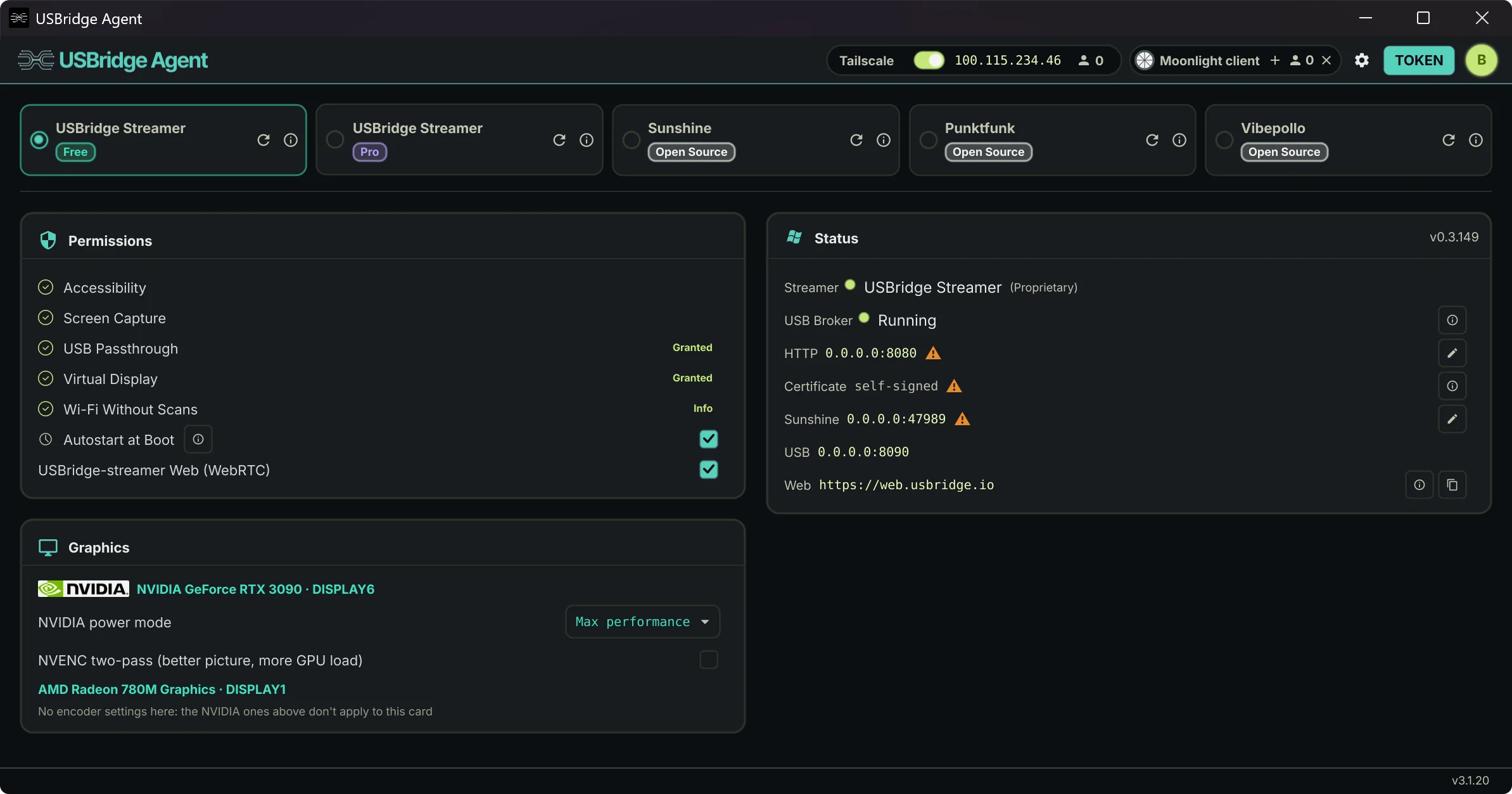
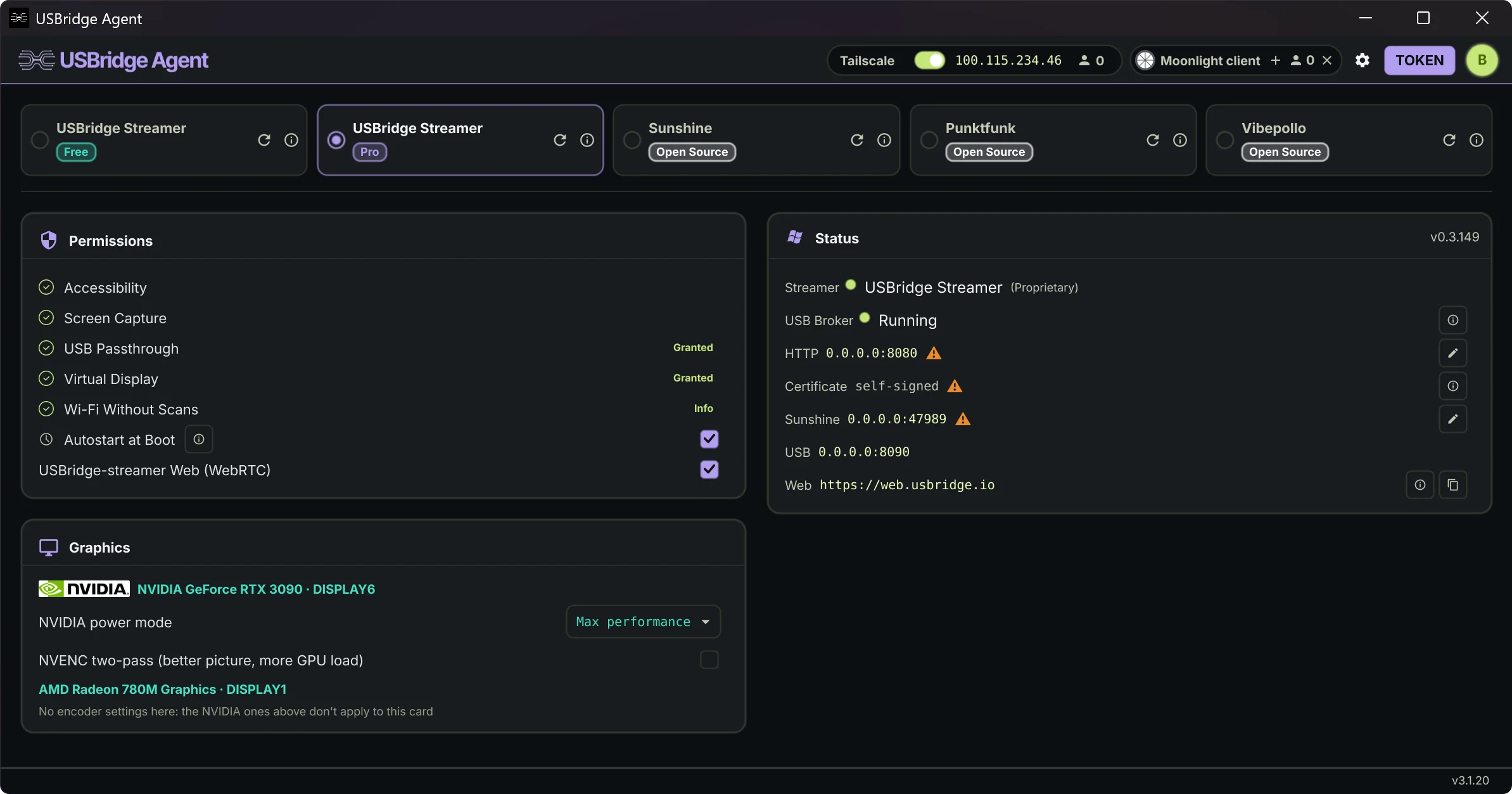
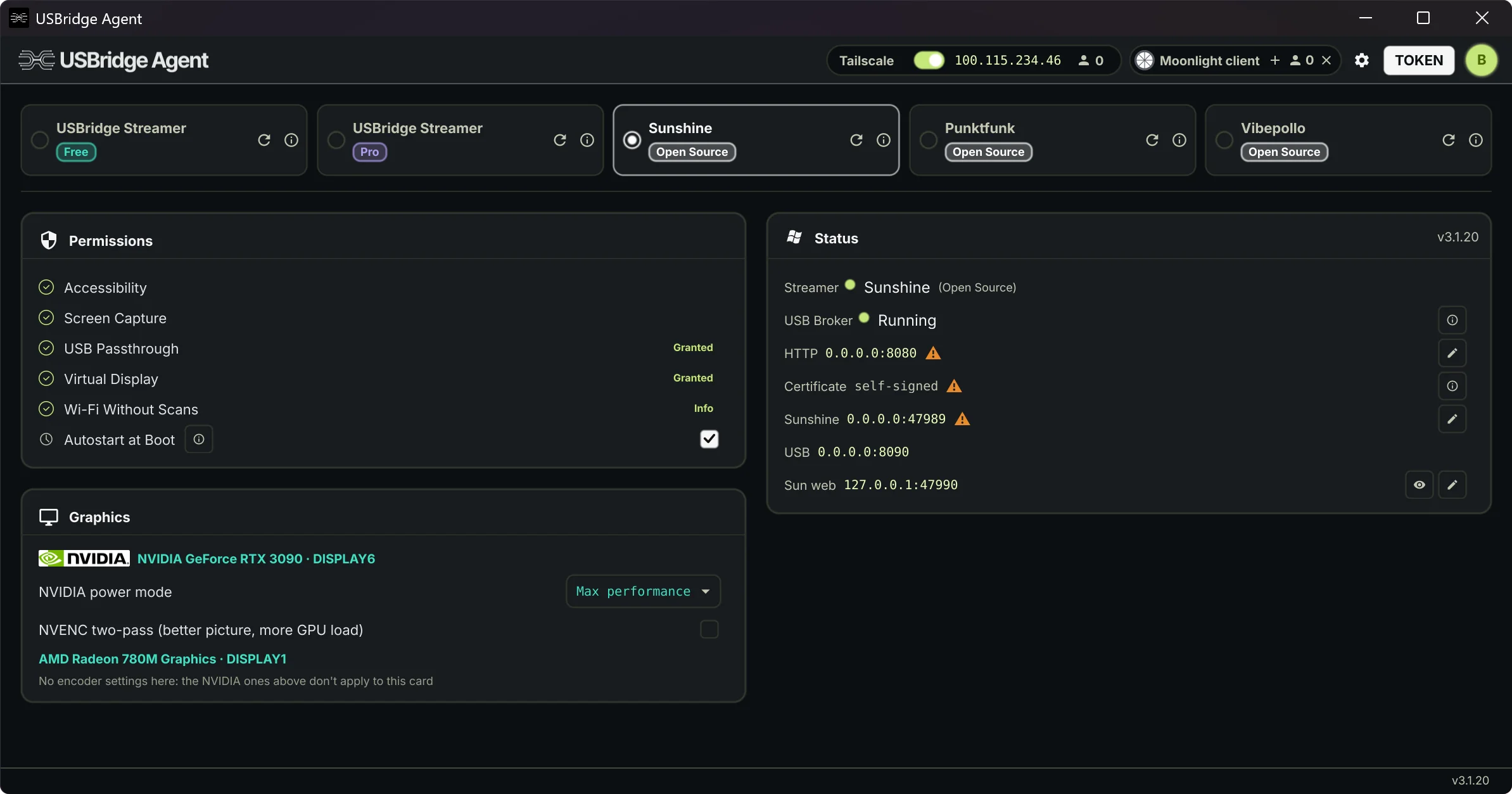
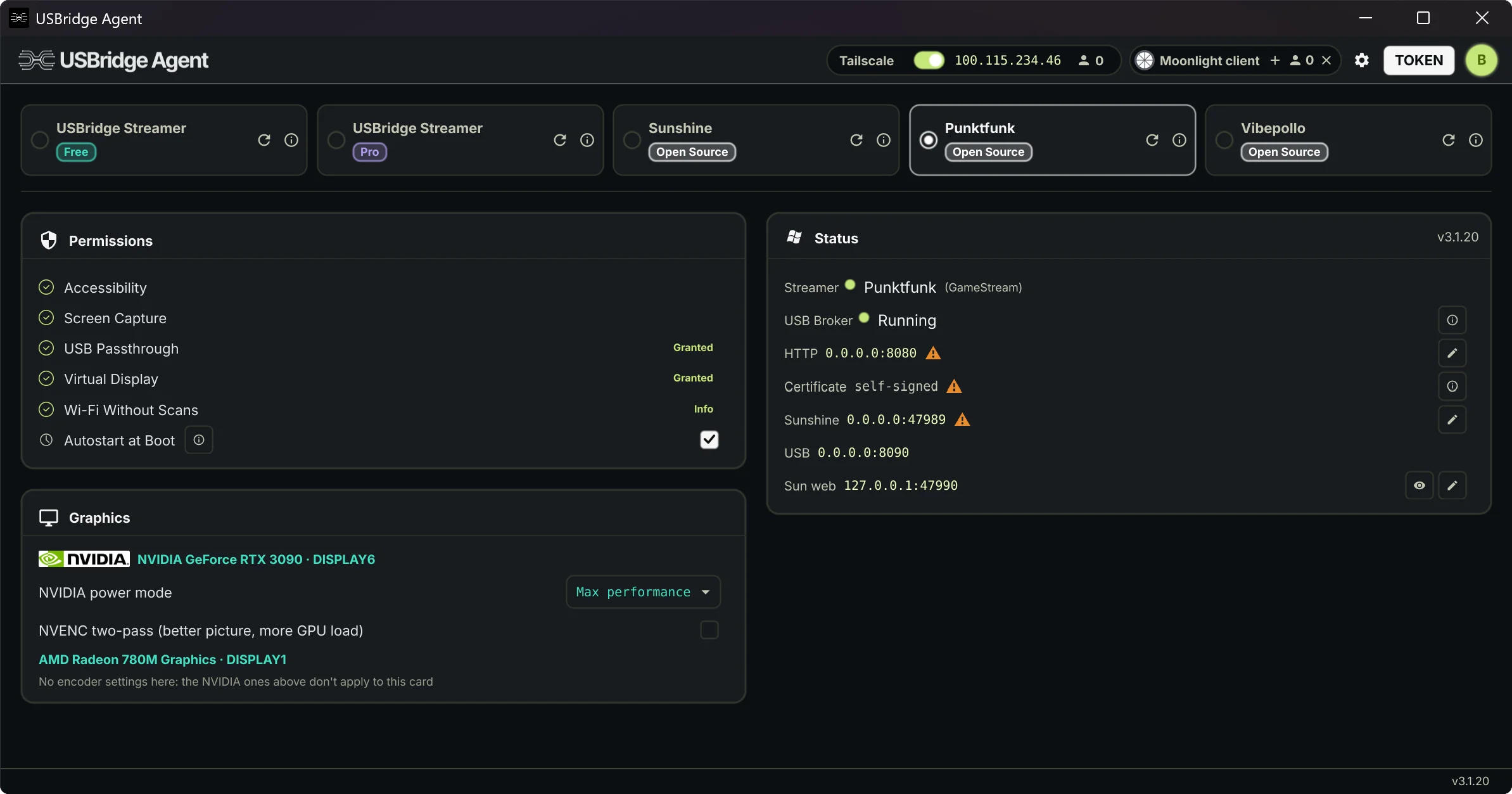
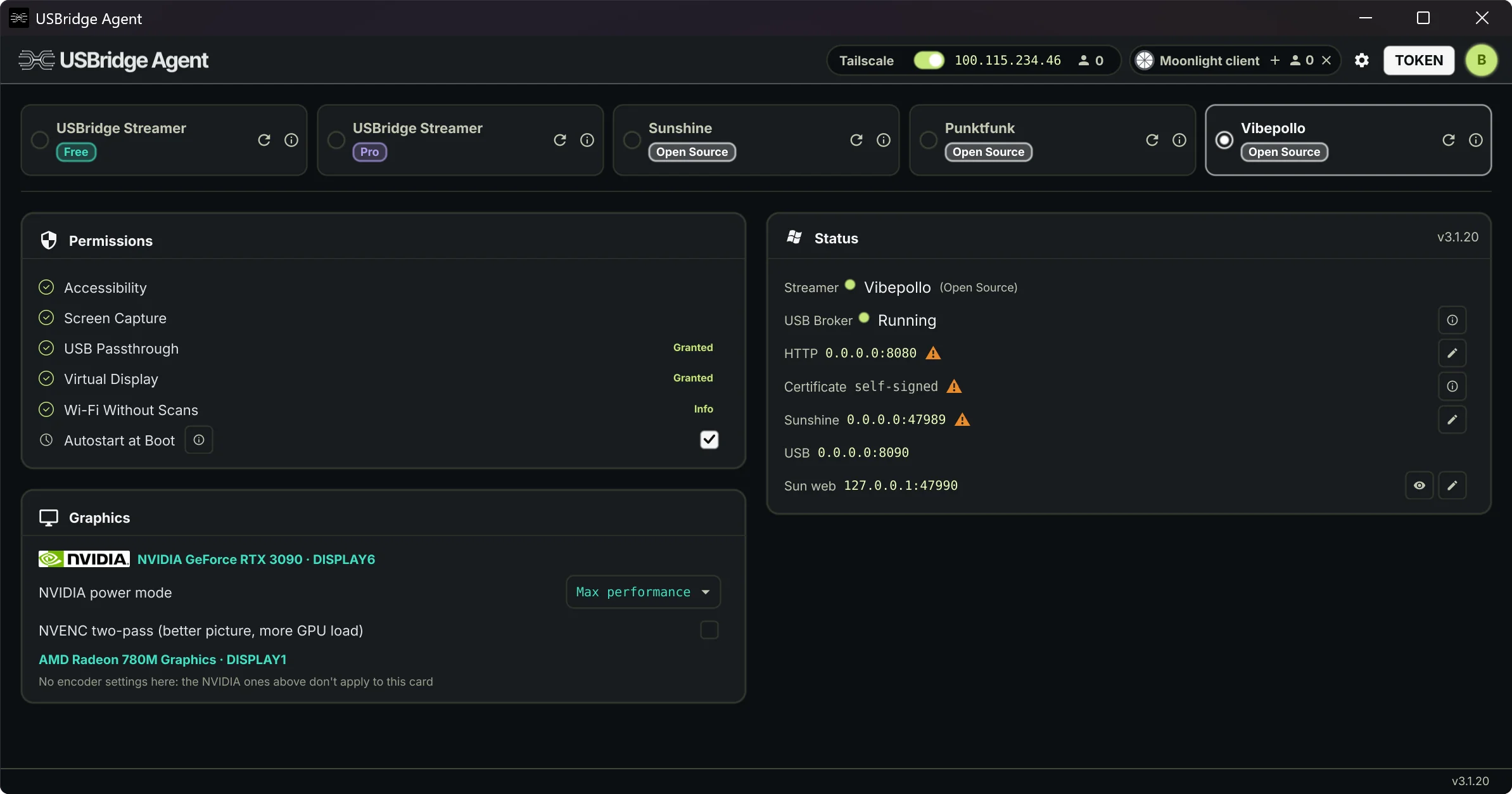
Or install from the terminal
One command in PowerShell.
irm https://www.usbridge.io/install-agent.ps1 | iexWindows 10 1903+ / 11 (x64). Installs the agent as a service with the virtual display and USB passthrough drivers. One administrator prompt, no reboot.



Choose Your Streaming Engine & Level of Control
From free open-source engines (Sunshine, Apollo, Vibepollo, Punktfunk) to our proprietary low-latency Rust protocol. Switch in one tap and benchmark them on your own network.
OPEN-SOURCE ENGINES
Standard Game Streaming
- Built-in open-source engines: Sunshine, Apollo, Vibepollo, Punktfunk
- Virtual monitor for every engine, Sunshine included
- Any USB device on every engine; Moonlight clients get mouse, keyboard and gamepads
- Low-latency desktop & gaming access
- Bi-directional file & text clipboard
- Multi-monitor display switching
- Integrated Tailscale P2P networking
USBRIDGE FREE
Custom Remote Engine
- Adaptive streaming optimized for Wi-Fi stability
- Headless virtual display management
- Low-latency gamepad controller passthrough
- Raw USB peripheral device passthrough
- Web browser client access (no installation required)
- Windows pre-login access (secure credential entry)
- Lossless 4:4:4 chroma color accuracy, free, with PyroWave
USBRIDGE PRO
Professional Workflows
- Wacom graphics tablet support with pressure & tilt
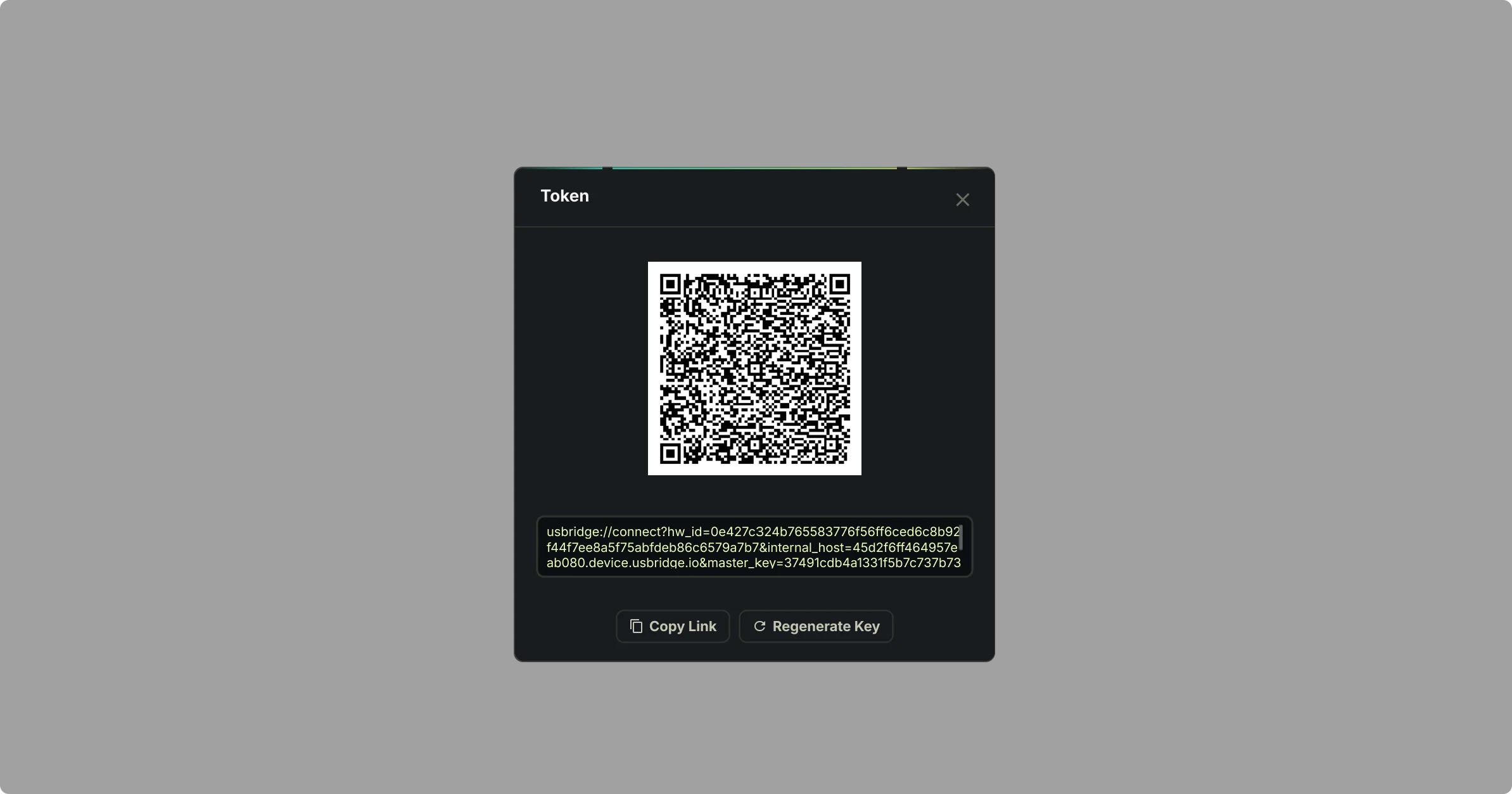
Pay with the e-mail you sign in to the Agent with. Then in the Agent: Account → Use on this device.
Manage Your Subscriptions
Easily view active plans, renew licenses, and manage your billing details in the License Manager.