





Put a Software Agent or a Hardware KVM on the machine you want to reach.Then open USBridge Client on the device you control from.
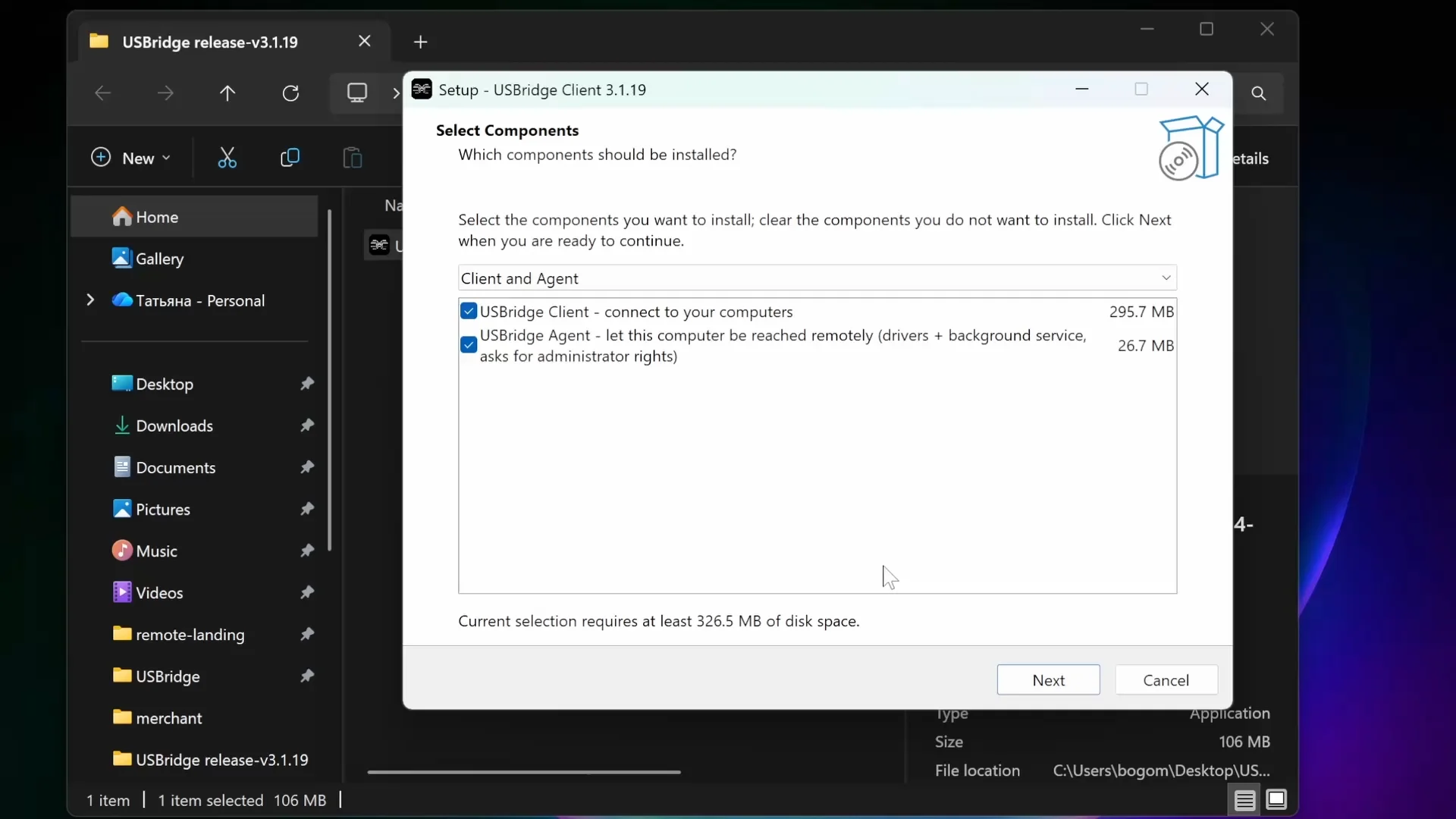
Install on the device you control from. Establish zero-latency connections to any USBridge software agent, headless rig, or hardware KVM node.
One command in Terminal.
curl -fsSL https://www.usbridge.io/install.sh | shApple Silicon Macs. Puts USBridge Client and USBridge Agent in Applications and opens them.
Go from installation to full out-of-band control instantly. Built-in NAT traversal eliminates the need for manual network routing.
Put a Software Agent or a Hardware KVM on the machine you want to reach.Then open USBridge Client on the device you control from.
Scan a QR code or open the invite link in Client.The peers negotiate a direct tunnel. No port forwarding.
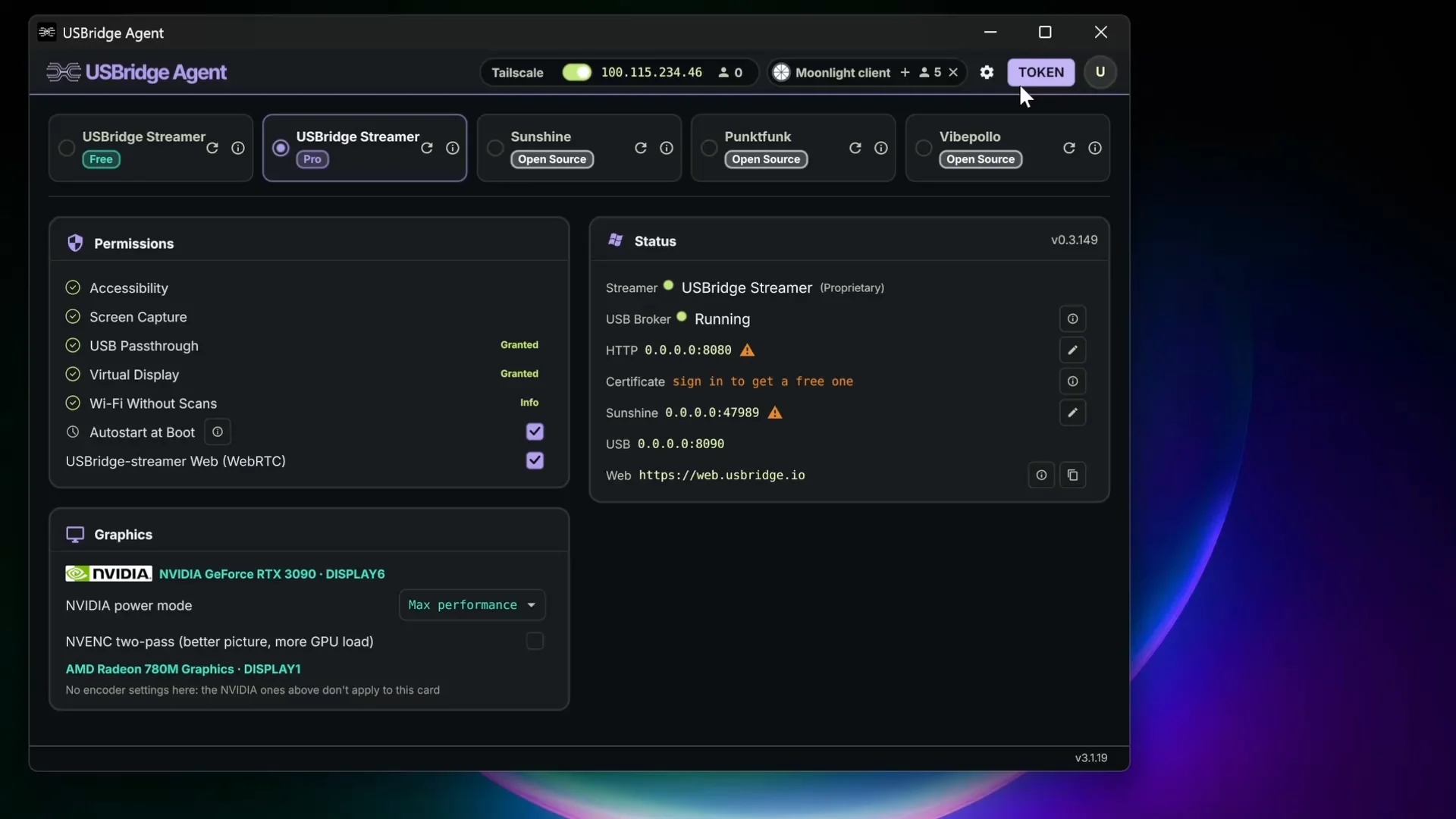
You are in. Stream the desktop, reach BIOS, and pass peripherals through.Wired Ethernet on the host keeps input delay at its lowest.
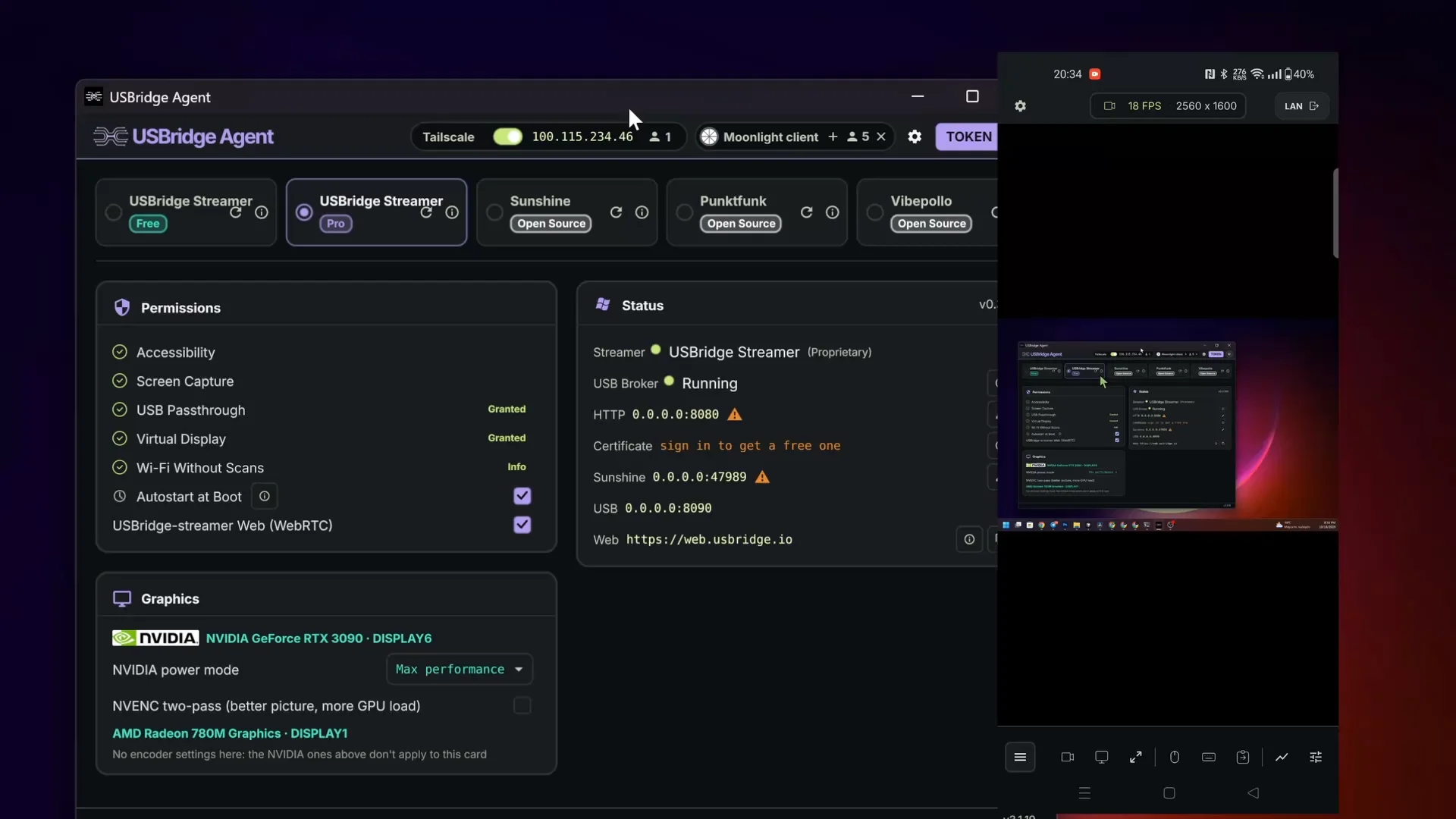
The host is the machine you reach. The client is the device in your hands.
Install the Software Agent on a computer you already run, or plug in a Hardware KVM when you need access below the operating system. Client runs on Windows, macOS, Linux, iOS, and Android.
Pairing exchanges keys and opens a direct path between Client and the host.
Scan the QR code with the mobile Client, or click the secure invite on desktop. Tailscale handles NAT traversal, so the router does not need a manual port forward.
The session is up. Client is now the keyboard, mouse, and display for that machine.
Set frame rate, bitrate, and the hardware encoder in Client. For the lowest input delay, keep the host on Ethernet.