


USBridge-KVM 2.0
KVM over IP for Full BIOS Control
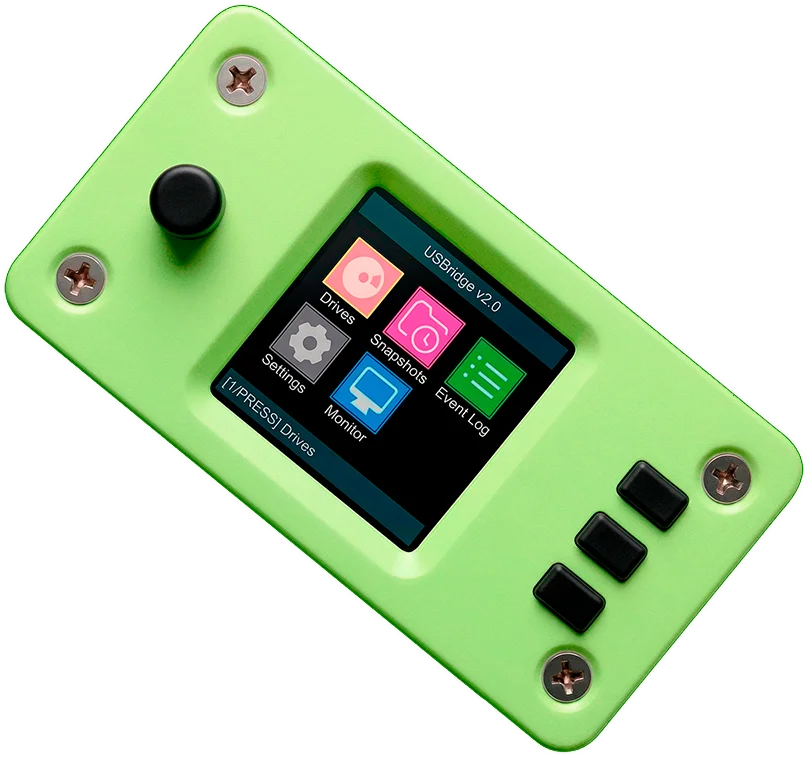
USBridge gives you real out-of-band remote access from power-on to OS, without software agents, IPMI dependencies, or vendor lock-in.
SELF-HOSTED
USBridge Remote
— Open-Source Cross-Platform Access
A high-performance client for seamless infrastructure administration. Use it as a standalone software agent with native Wayland support, or integrate it directly with the USBridge-KVM hardware module for out-of-band Layer 0 management and BIOS-level recovery.
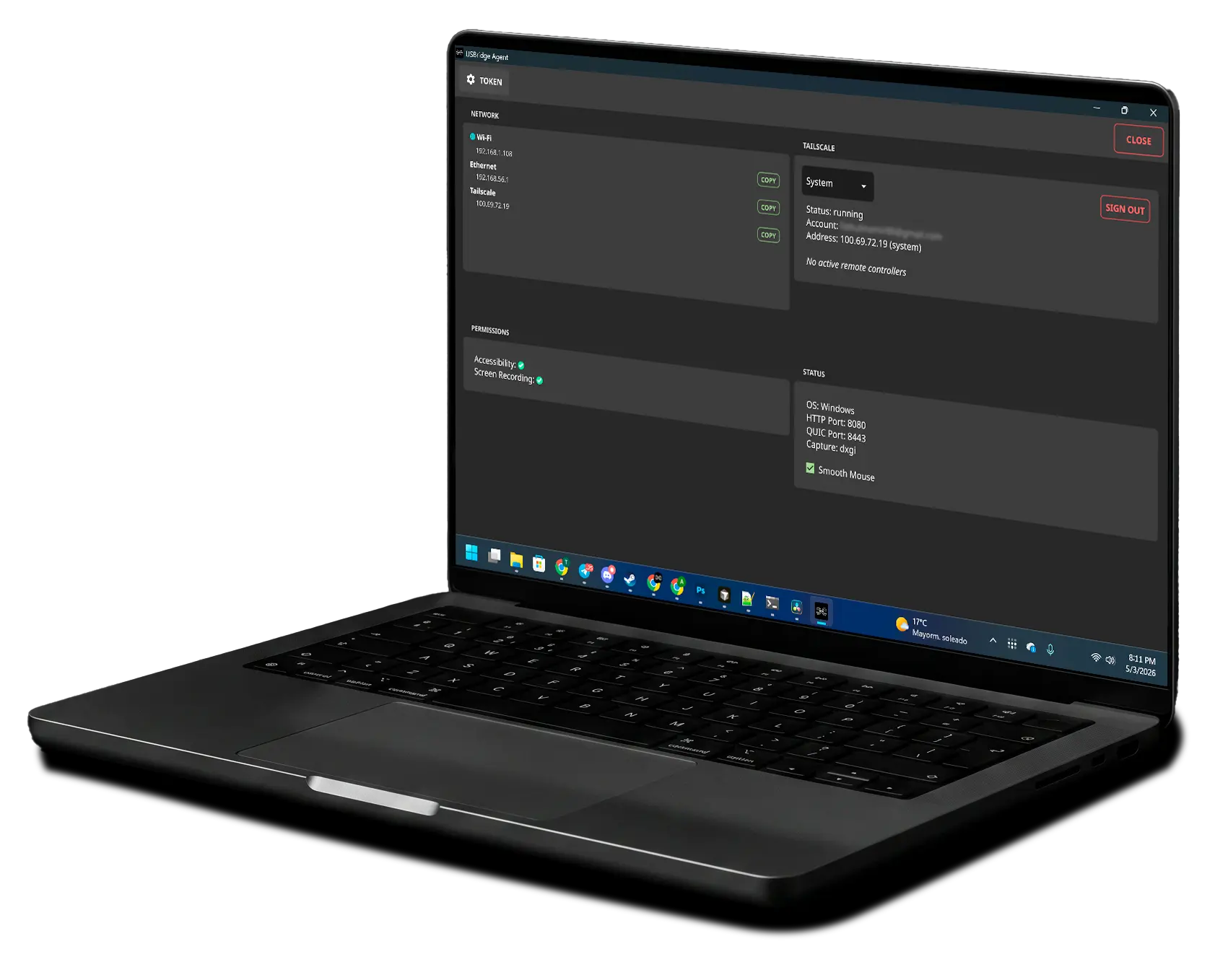
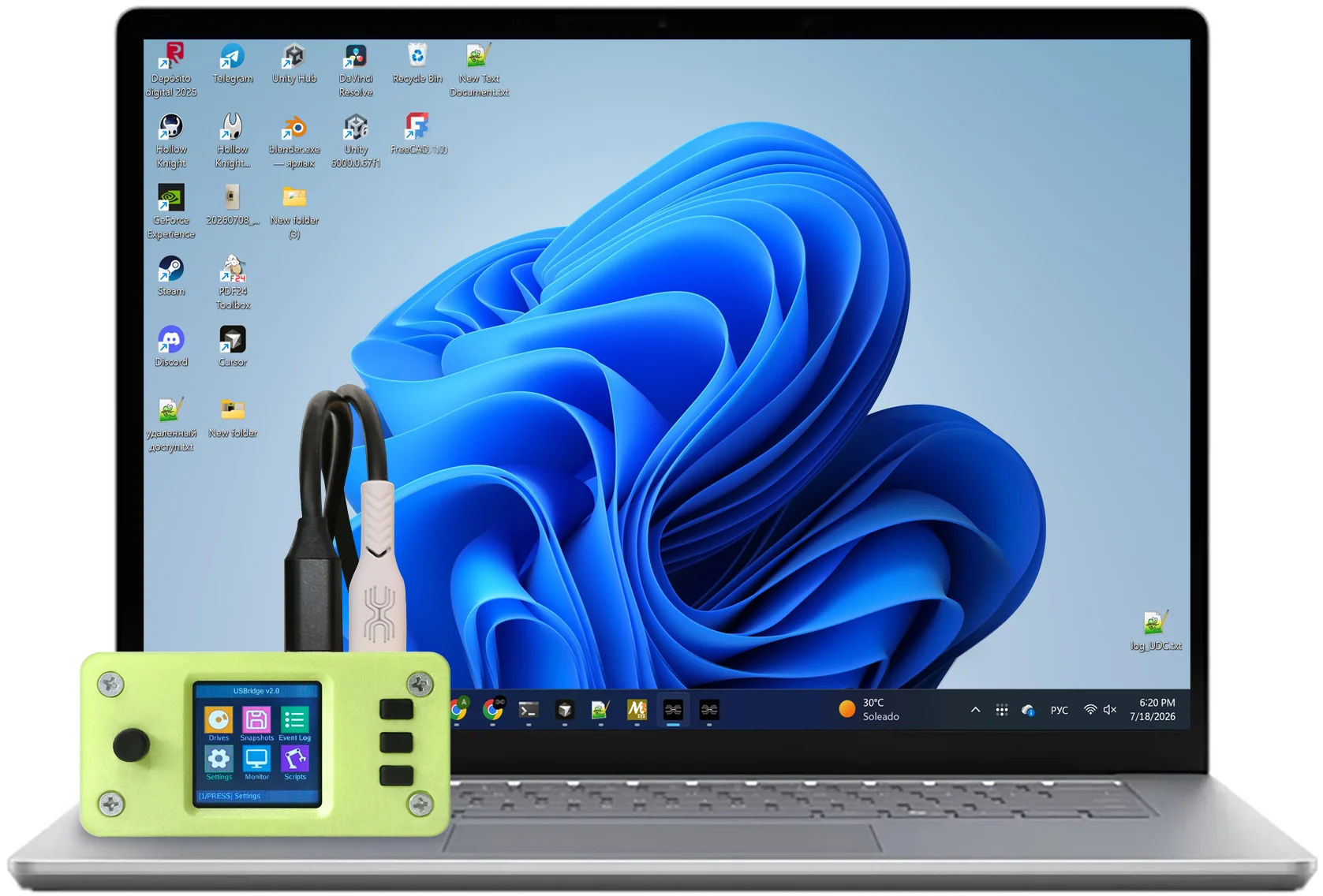
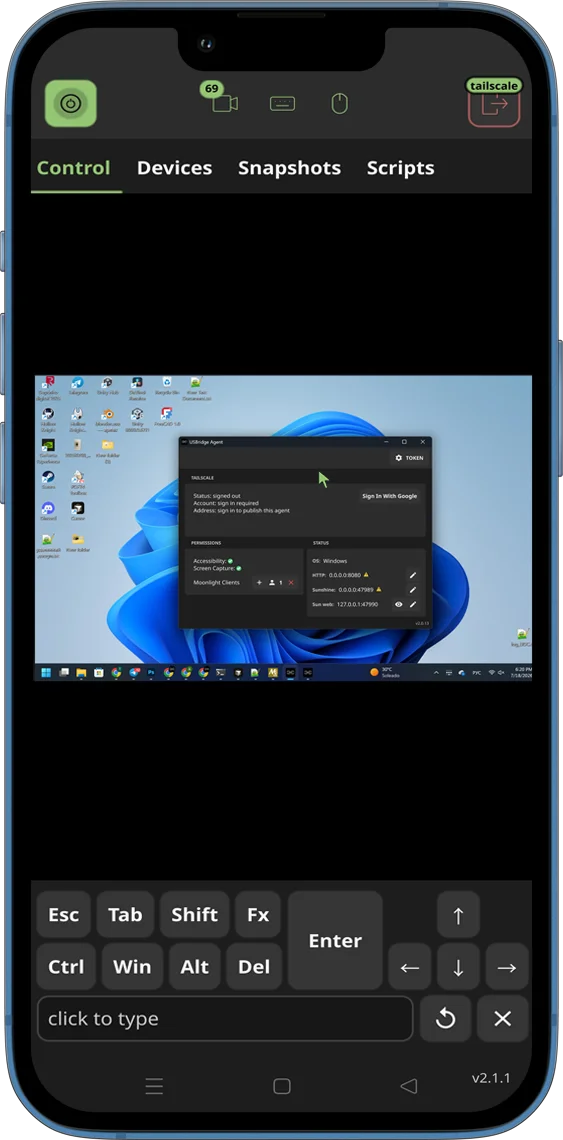
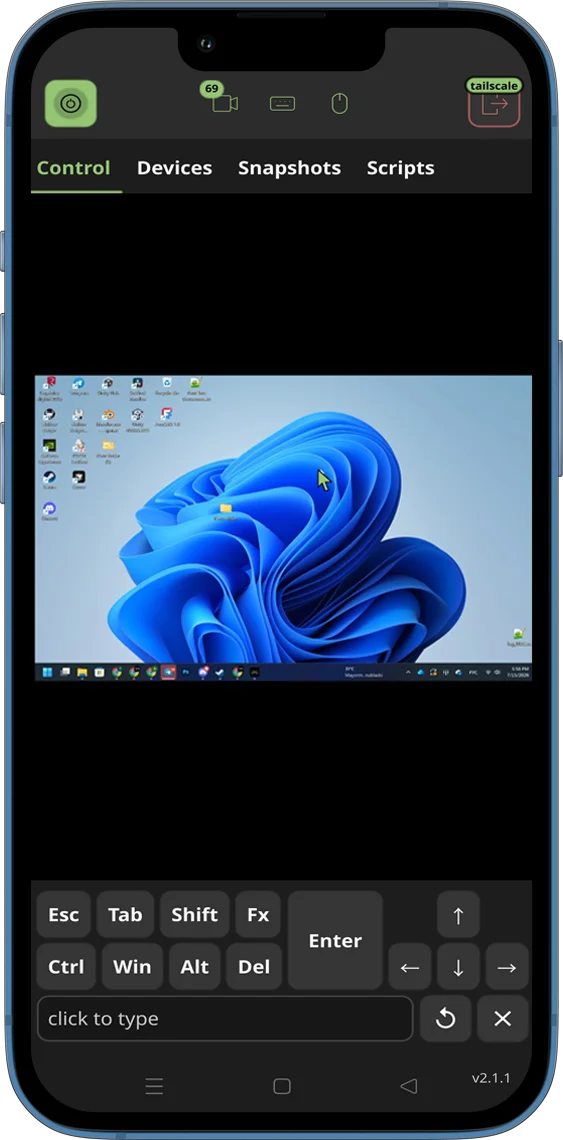
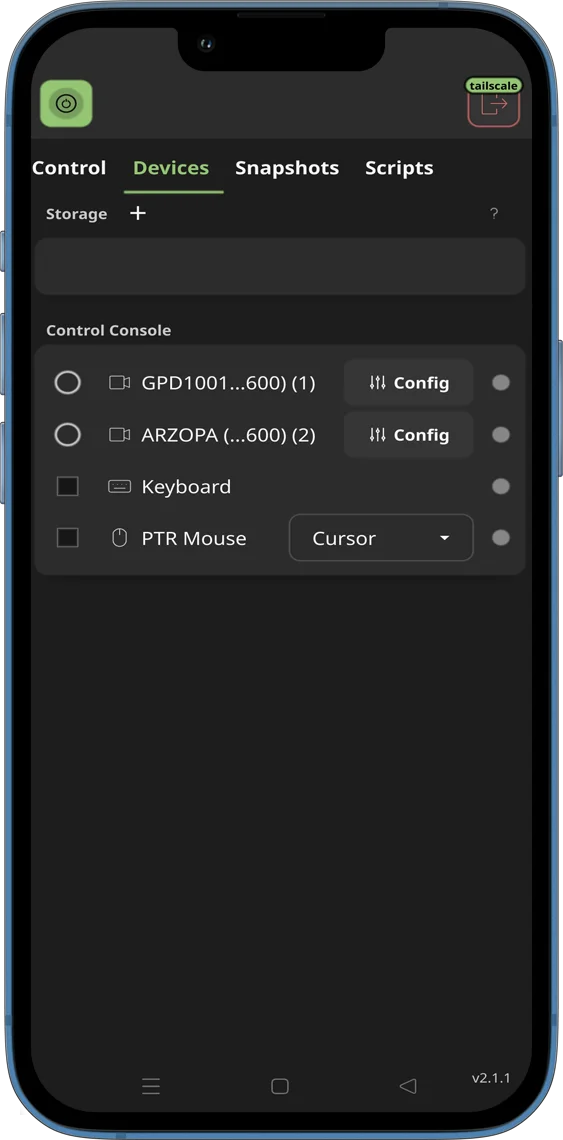
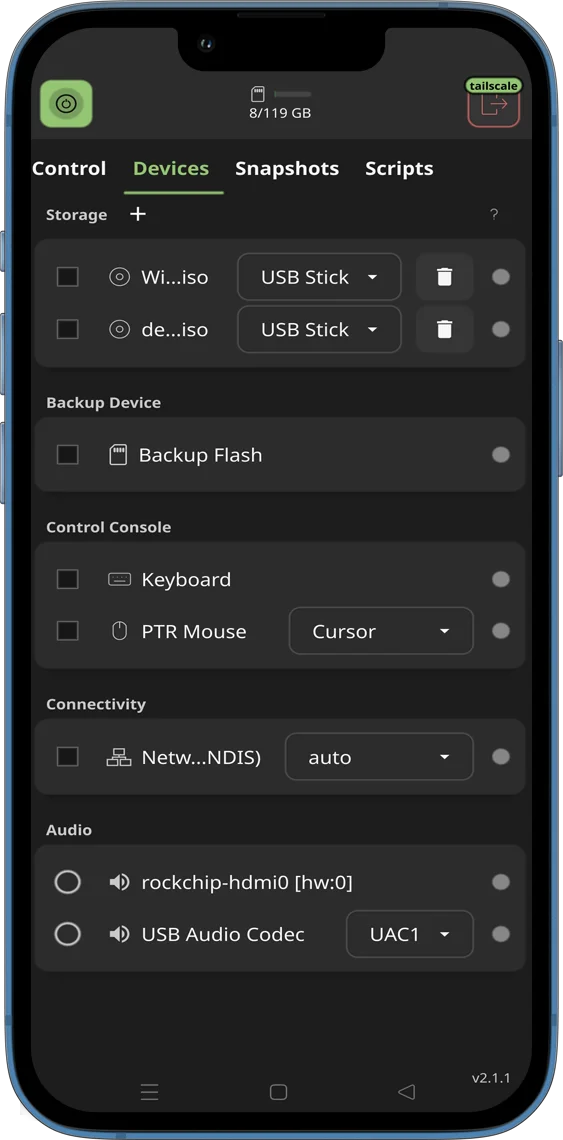
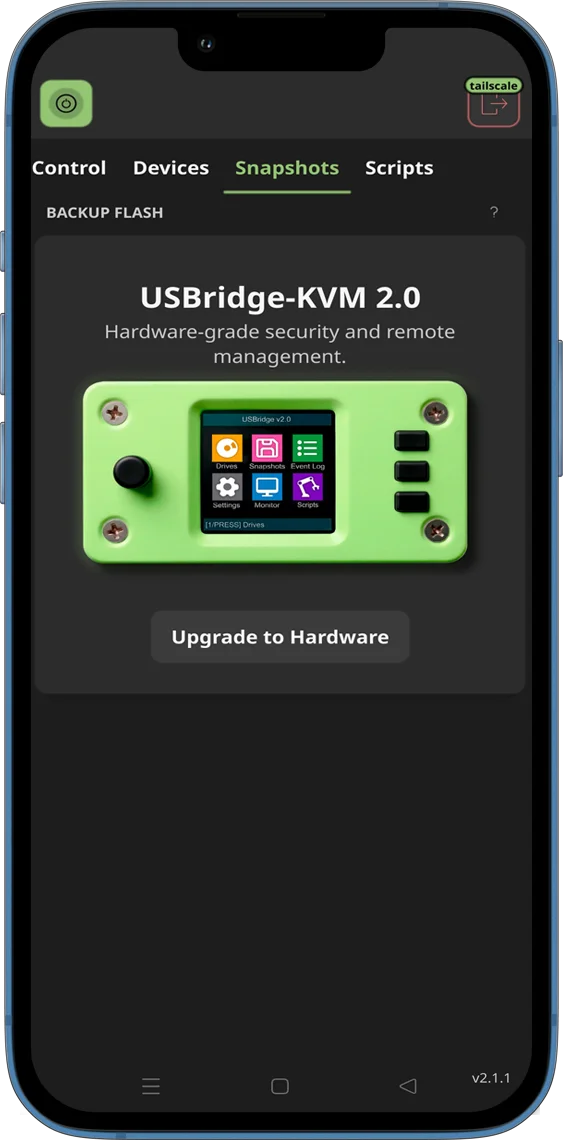
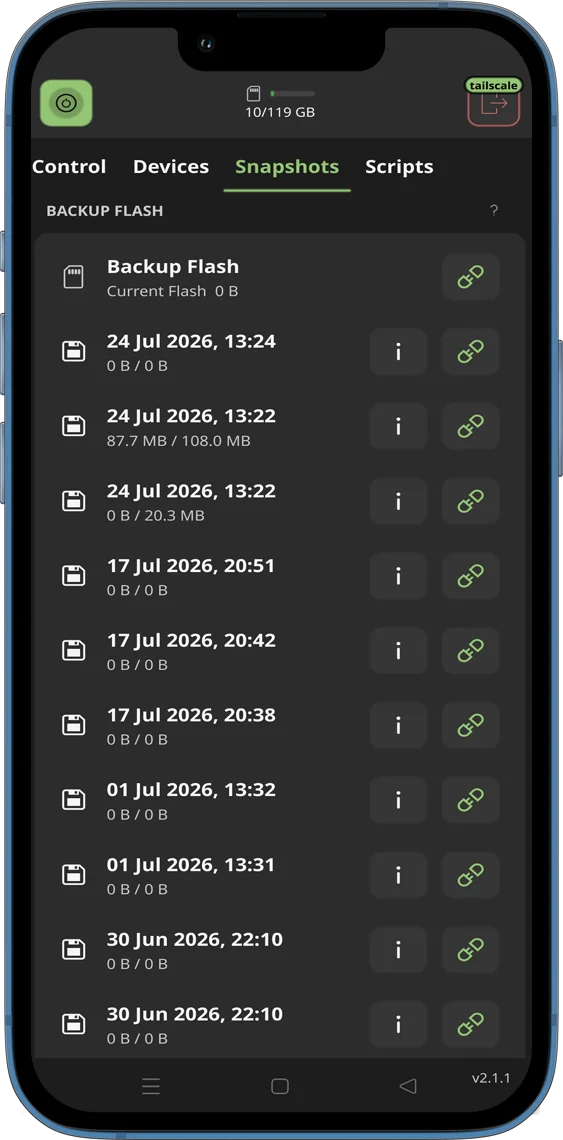
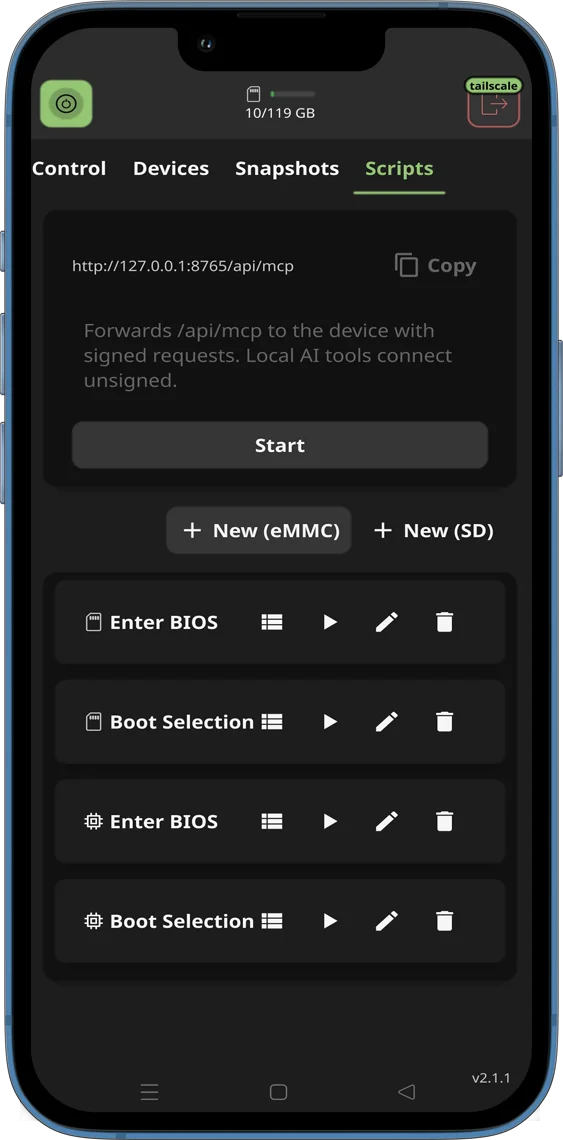
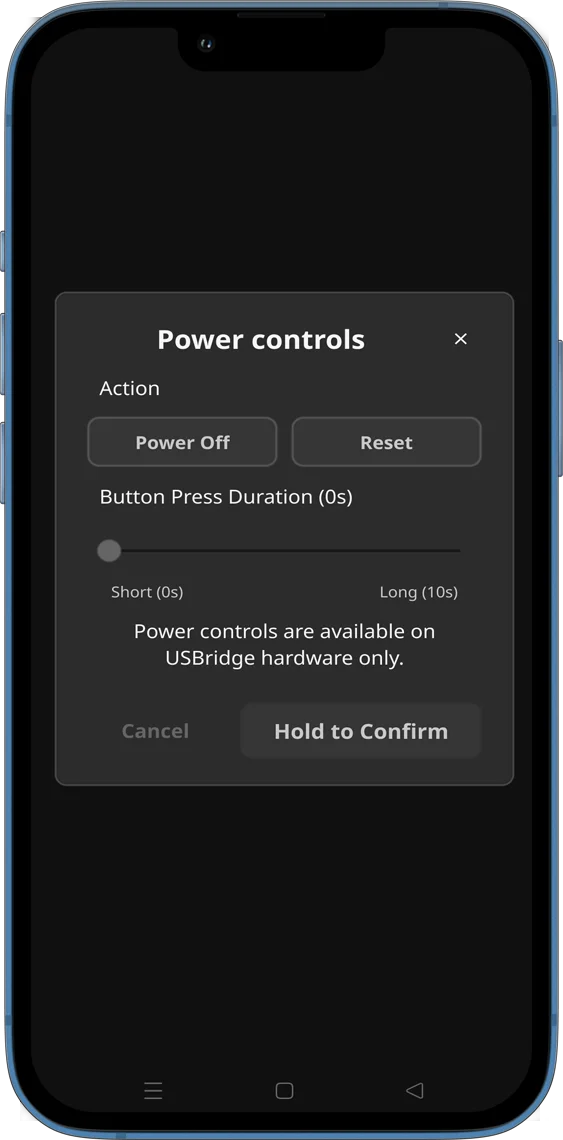
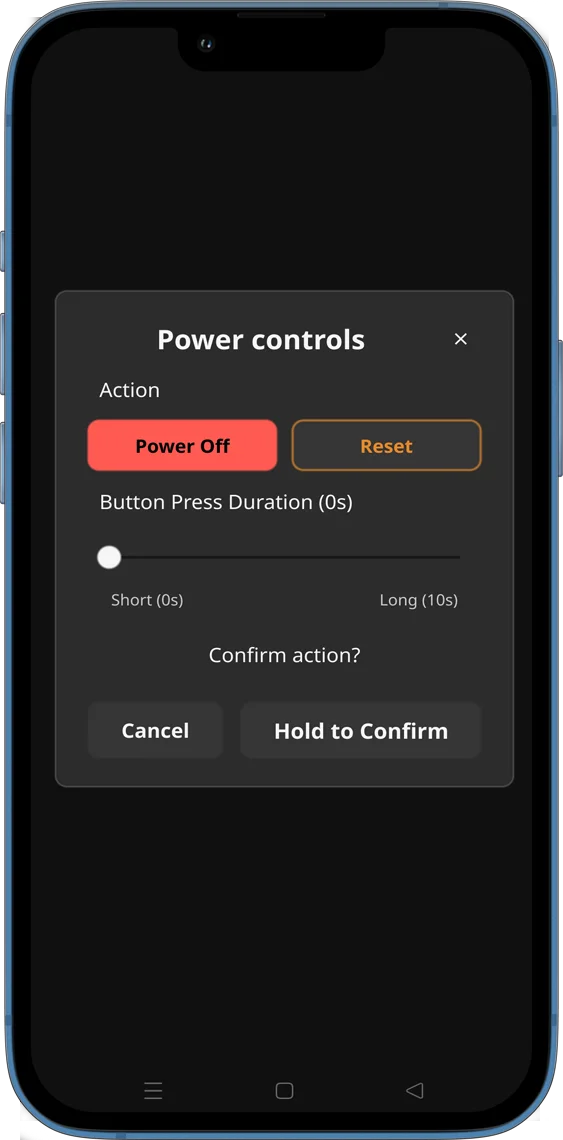
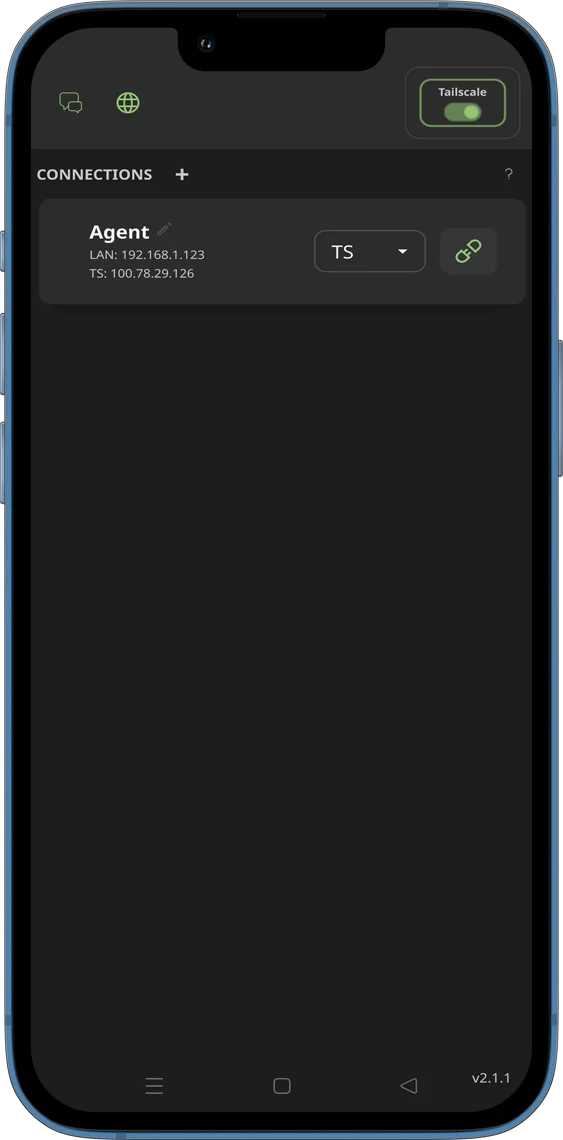
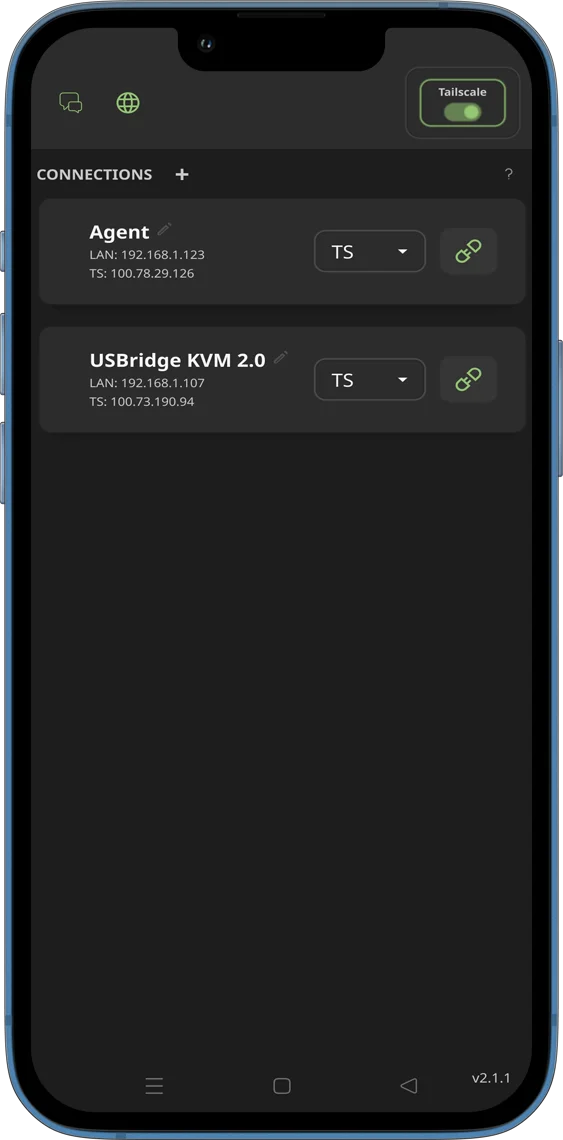
A high-performance client for seamless infrastructure administration. Use it as a standalone software agent with native Wayland support, or integrate it directly with the USBridge-KVM hardware module for out-of-band Layer 0 management and BIOS-level recovery.
Manage everything from a single interface — from routine desktop tasks to recovering a server with a kernel panic.
Build Your Own KVM-over-IP
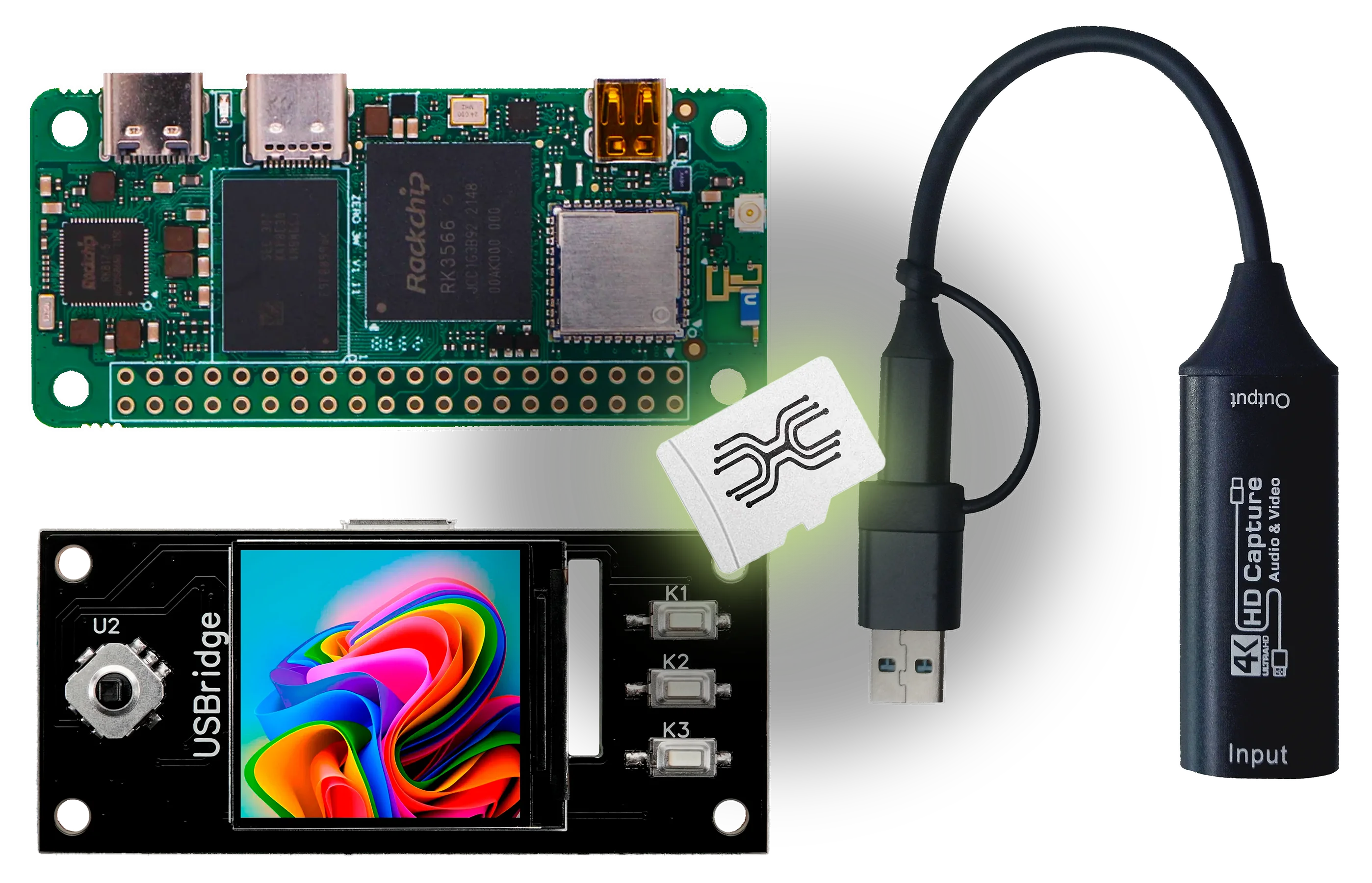
Why overpay for proprietary enterprise appliances? Grab an affordable single-board computer, connect a standard USB video dongle, and install my custom firmware. You get complete hardware-level remote control for a fraction of the cost.
Full IP-KVM Functionality
Unlock BIOS-in-Terminal, drive emulation, and seamless USBridge Remote integration.
24-Hour Active Trial
Evaluate ultra-low latency streaming and complete bare-metal control before buying.

Subscribe to receive my latest project updates, new release announcements, and behind-the-scenes development news.
Get the latest project updates and release notes.