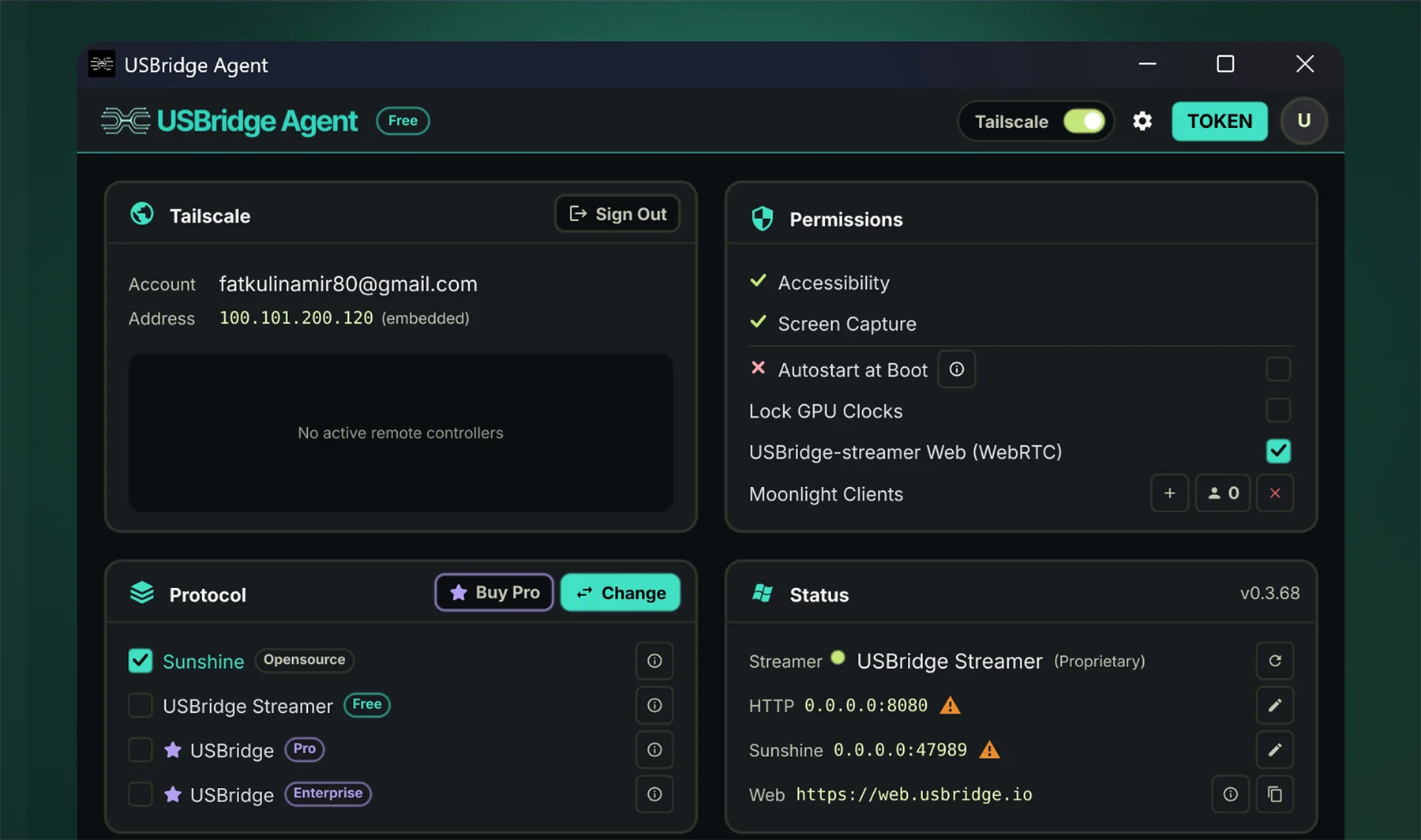
Download the native binary for your OS. Host and Client architectures can differ without compatibility issues.Cross-PlatformExecute the installer. The background service registers automatically without manual dependency configuration.One-click Setup
InstantPairing
Step 2
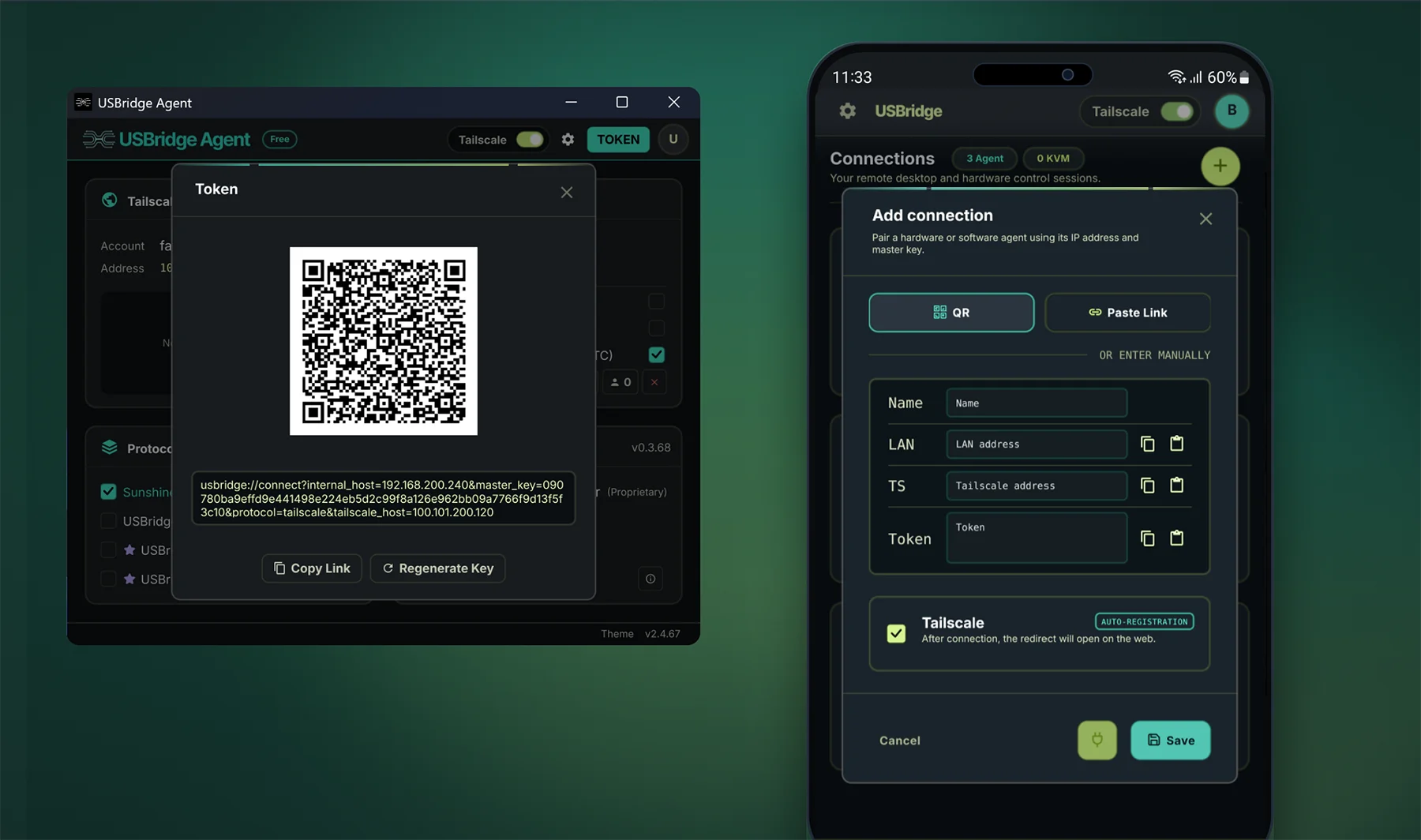
Scan the instant QR code or click the secure peer invite link inside Client to negotiate direct P2P tunneling.
Scan the QR code via the mobile Client or click the secure link on desktop to exchange cryptographic keys.QR Code LinkThe integrated Tailscale daemon handles NAT traversal automatically. No manual port forwarding required on the router.Zero Config
Ultra-Low LatencyControl
Ready
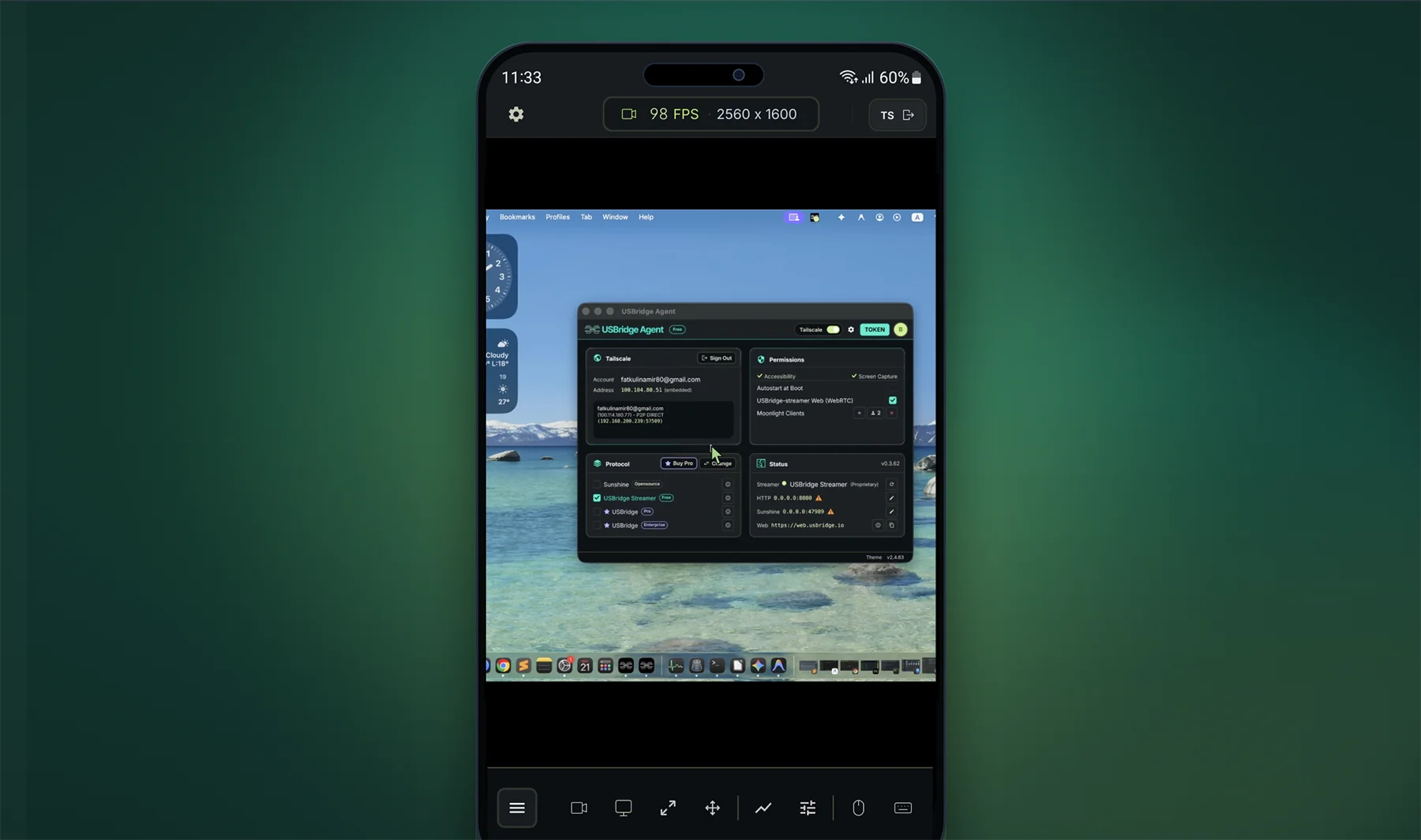
You are securely connected. Enjoy high FPS remote desktop streaming, full BIOS control, and peripheral passthrough.
Adjust target framerate, bitrate, and hardware encoder preferences directly within the Client settings panel.120 FPS StreamingFor absolute minimum input delay and jitter, ensure the target rig is connected via wired Ethernet.<15ms Latency